A guide to PhotoCraft.
An introduction to the independent image editor, its early-alpha status, official downloads and starting points.
Layered image editing, masks, brushes and familiar creative workflows.
Put your words in the picture.
Start with one image and one headline. Follow a small, complete workflow from opening a file to exporting your work.
Beginner · Free practice image · Based on official documentation
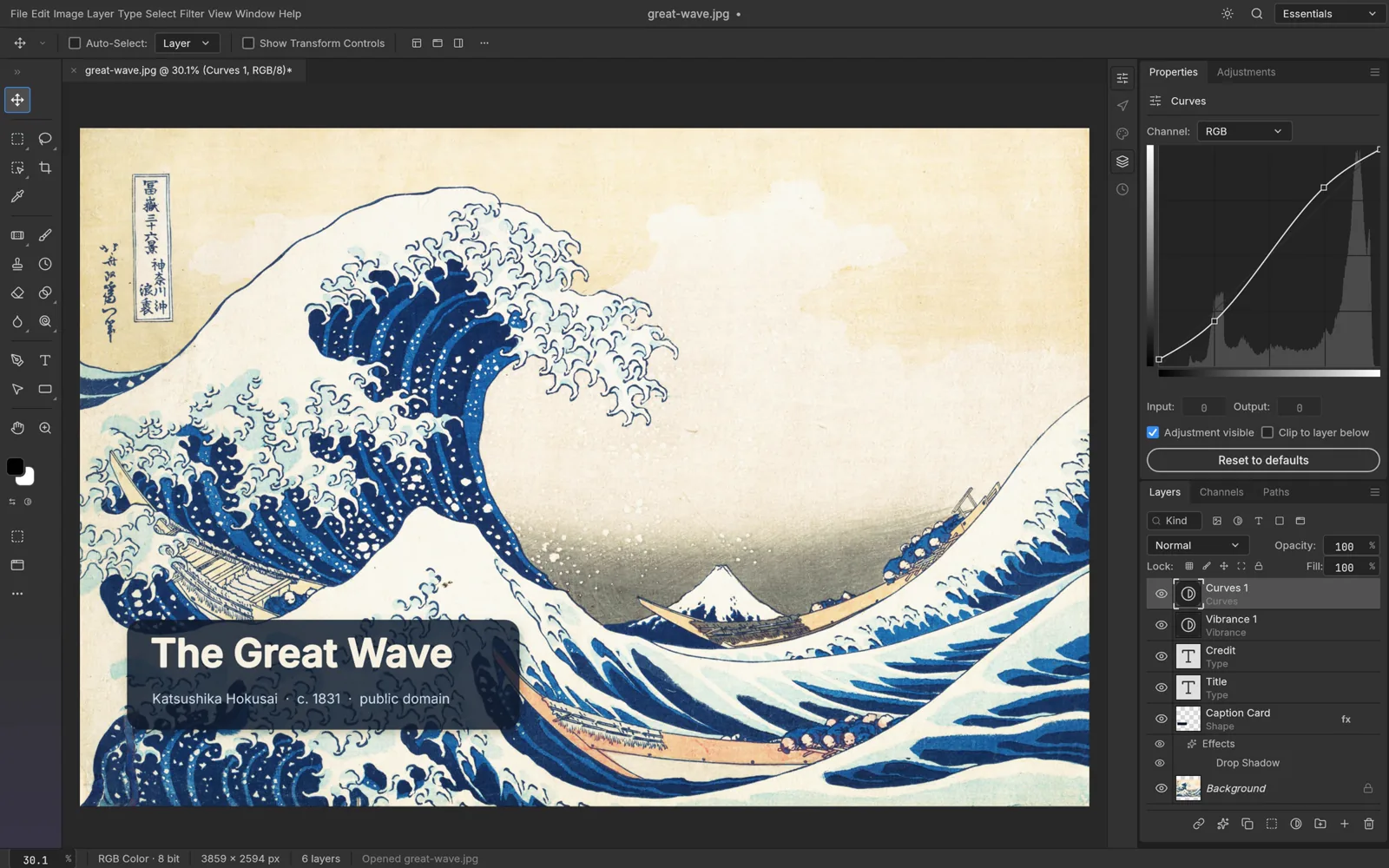
Layered editing
The official page describes layers, masks, brushes and type tools.
Document workflows
Check the current release for format support and known limitations.
Local creative tools
An independent image editor, separate from the ArtCraft AI studio.
PhotoCraft is currently early alpha. Verify your important files and required features on copies before migrating any production project. No independent compatibility results are claimed here.
Repository license information (opens in a new tab / 新窗口打开)Last checked:2026-10-10 · Official information may change.