ArtCraft DesignCraft: Features & Downloads
ArtCraft DesignCraft: Build page layouts, set text styles and export print-ready PDFs. Read about the main tools, supported platforms, development status and downloads.
DesignCraft is part of the Crafting Apps family developed by the ArtCraft team. Lay out pages for documents and publications.
Information as of 2026-11-10
Based on ArtCraft documentation, not hands-on testing.
Page structures
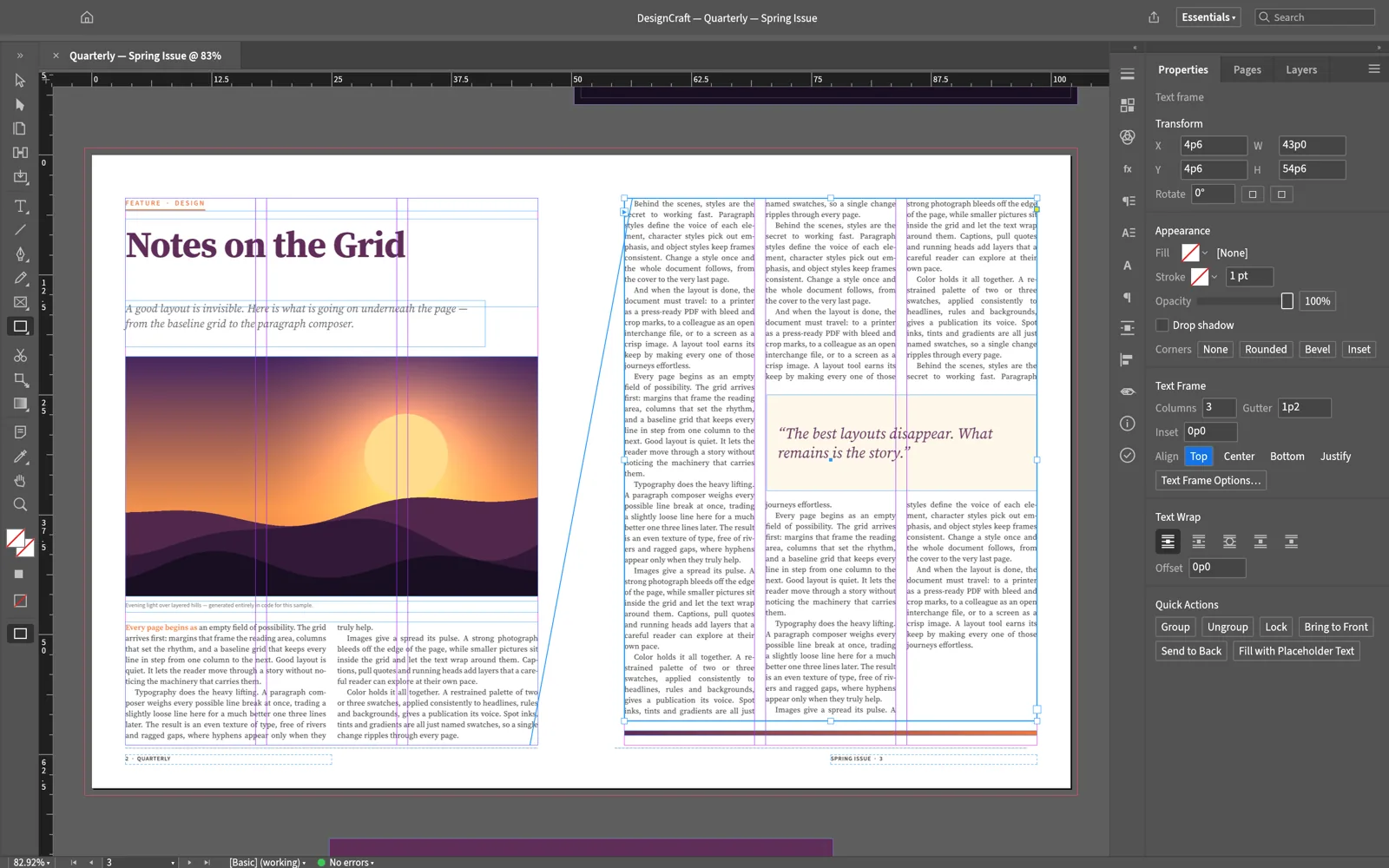
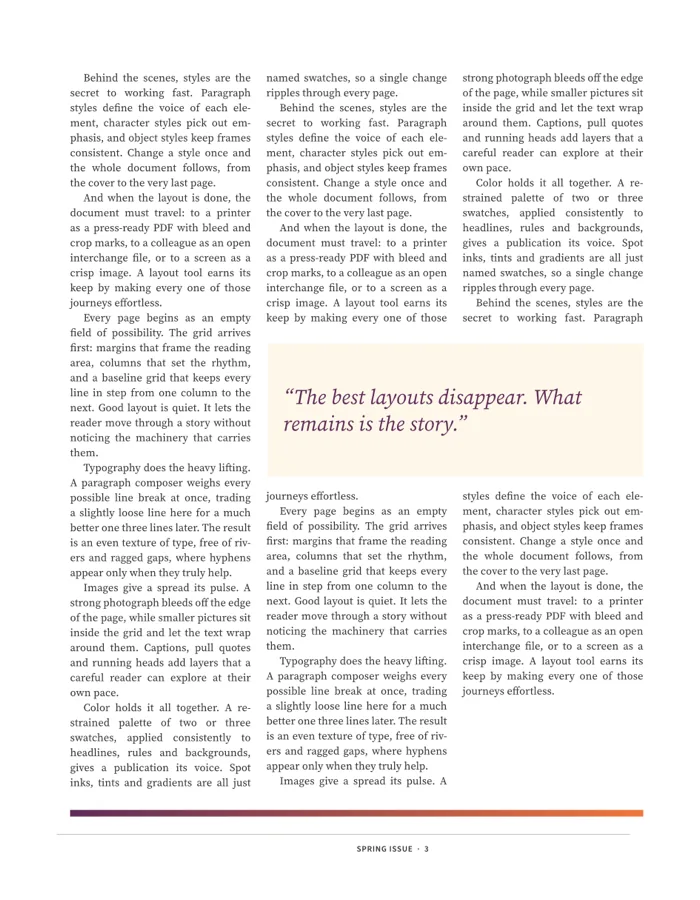
Lay out spreads and parent pages with frames, link text frames to keep text flowing, and set text wrap. Use DesignCraft to keep a booklet readable as text continues from one frame to another.
Type and styles
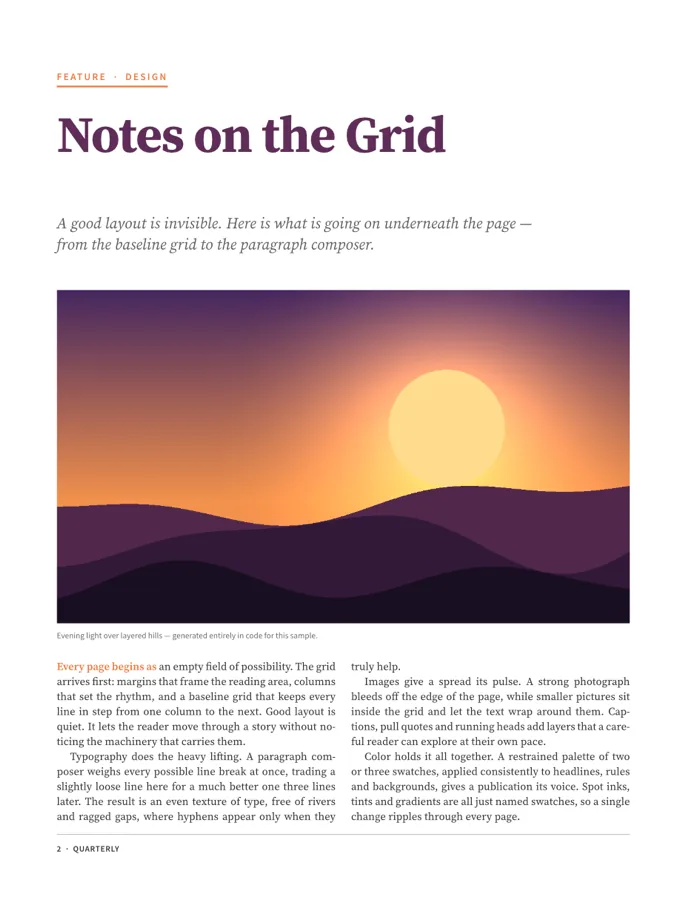
Keep text formatting consistent with paragraph and character styles, and arrange color and typography with swatches and baseline grids.
Print output
Embed fonts, set bleed and choose print color settings when exporting a PDF.
Typography and archival output
Dictionary hyphenation and optical margin alignment complement the paragraph composer. PDF output includes CMYK, spot colors, crop marks and PDF/A; a JSON control channel and MCP server are also documented.
What changed in 0.19.0
Selected changes from the official release notes, checked on November 10, 2026. These are documentation summaries, not Wiki application tests.
- Preflight reports white or Paper colors set to overprint. Image content and its frame move together after the reported editing fix.
- Improves hyperlink ranges during story edits, import handling and drawing operations. Verify external document compatibility on a copy.
November 2 snapshot: 0.16.0
- Separates CJK commands from Insert Math Expression in the Type menu; Windows and Linux gain File → Quit in the in-window menu.
- Spellcheck underlines follow rotated text frames, and macOS Finder opens .indd and .indt files with DesignCraft. Check imported content rather than assuming full compatibility.
Earlier additions: 0.13.0
- Autoflow fills following existing pages before adding more pages. Parent-page folios align toward or away from the spine according to page side.
- IDML export preserves a graphic placed in a table cell; UTF-16 plain text imports recognize the byte-order mark.
A closer look at the tools
What can you use DesignCraft for?
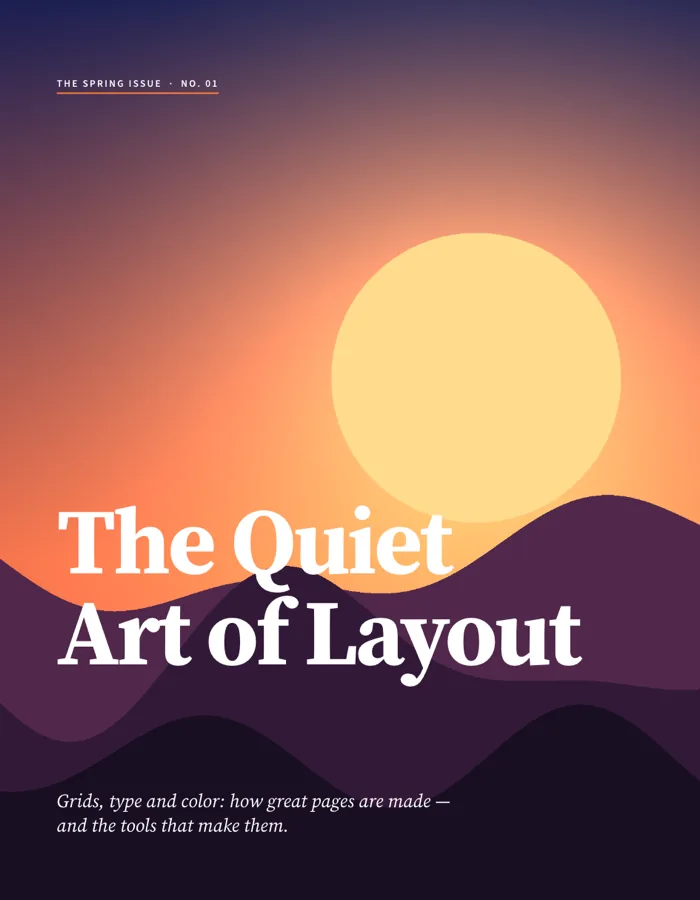
- Lay out a magazine or booklet.
- Prepare a multi-page document for print.
DesignCraft is still in development. Before sending a file to print, check your exported PDF for correct fonts, linked images and color settings, and make sure it meets the print requirements.
Read the license (opens in a new tab / 新窗口打开)Download and install DesignCraft
Install and update with ArtCraft Launcher, or open the official product page and find “Option 2 · Standalone” in the download section for standalone installers.
- Follow the link below to the official DesignCraft download page. To manage several apps in one place, install Launcher first.
- Choose the installer for your operating system and follow the instructions on the page. Check the system requirements on the official page and the file format limitations here before downloading.
- Make a copy of your files and try a small project. You could start with this: Lay out a magazine or booklet.
The Web version here is a WebAssembly build that you need to host yourself. The official product page provides the download package.
Information as of: 2026-11-10
- getartcraft.com/apps/designcraft (opens in a new tab / 新窗口打开)
- getartcraft.com/apps (opens in a new tab / 新窗口打开)
- craft.wiki/apps/designcraft/overview/ (opens in a new tab / 新窗口打开)
- github.com/storytold/designcraft/releases/tag/v0.19.0 (opens in a new tab / 新窗口打开)
- github.com/storytold/designcraft (opens in a new tab / 新窗口打开)
- github.com/storytold/designcraft/blob/main/LICENSE-MIT (opens in a new tab / 新窗口打开)