ArtCraft VectorCraft: Features & Downloads
ArtCraft VectorCraft: Draw vector paths and shapes, adjust effects and exchange SVG/PDF files. Read about the main tools, development status and downloads.
VectorCraft is part of the Crafting Apps family developed by the ArtCraft team. Create vector artwork with paths, shapes and precise typography.
Information as of 2026-11-10
Based on ArtCraft documentation, not hands-on testing.
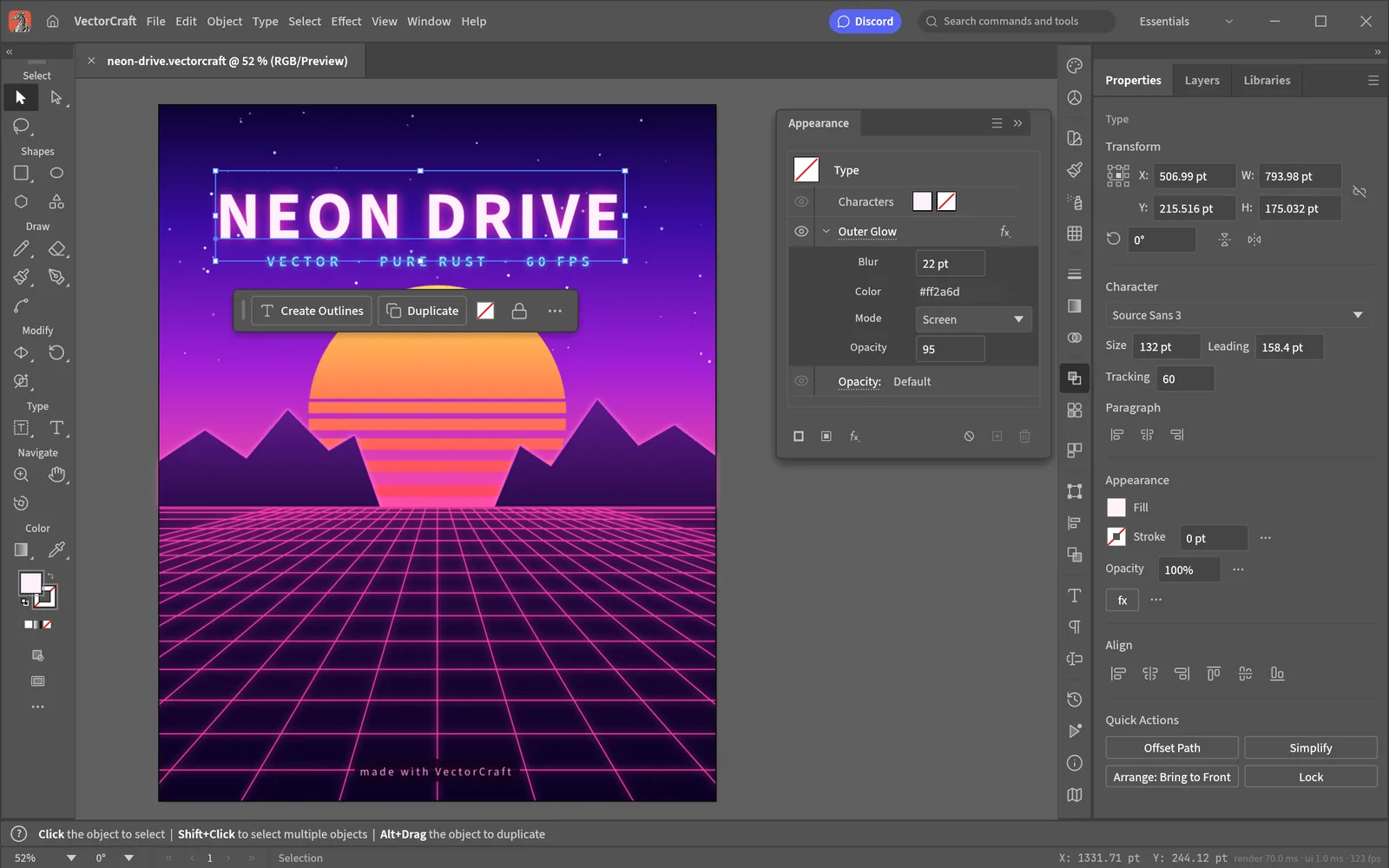
Paths and shapes
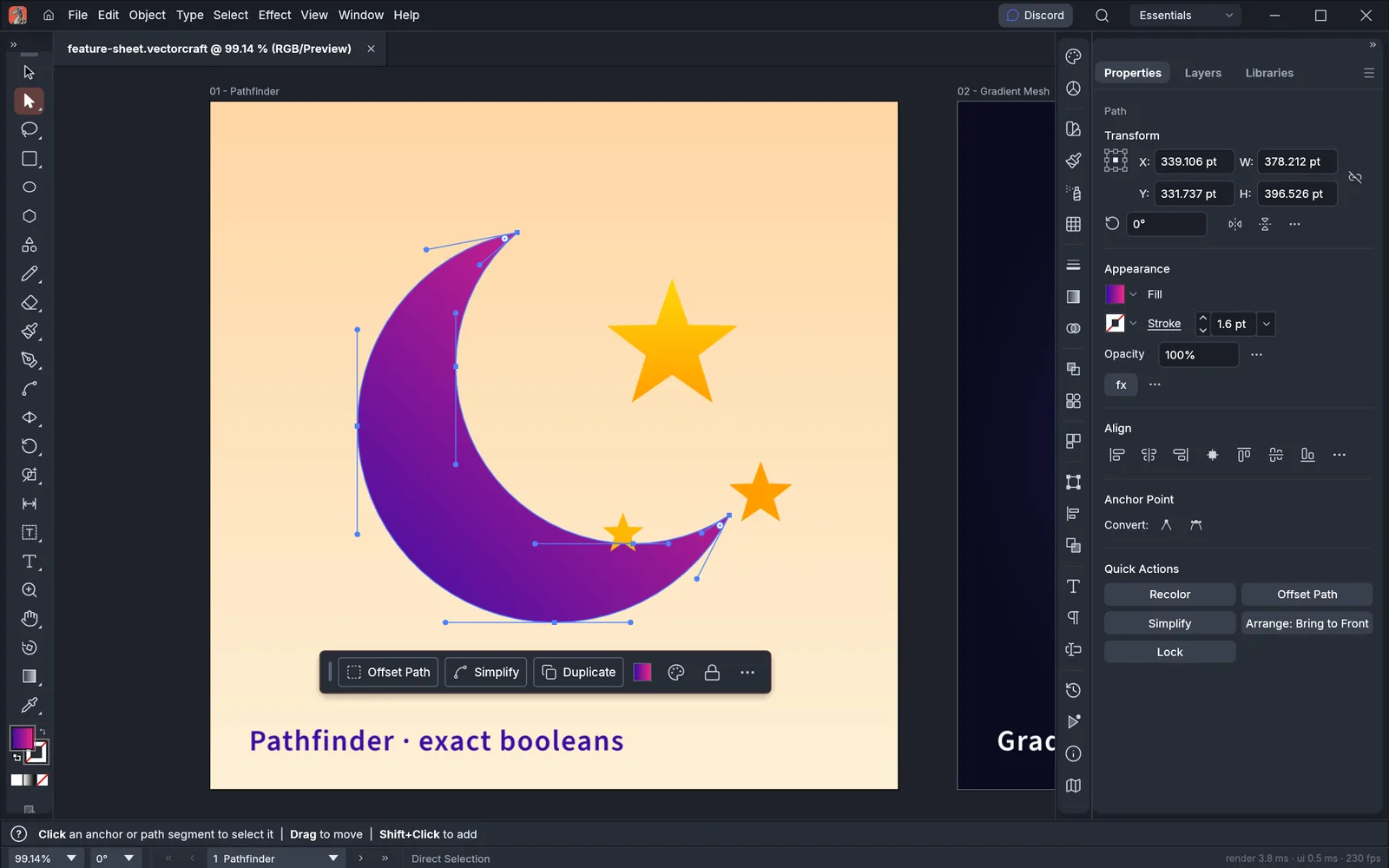
Draw with pen and selection tools, then refine shapes with snapping and curve boolean operations. In VectorCraft, keep the paths that define a vector illustration separate from its appearance. Adjust the shapes with drawing tools, then revisit gradients or shadows without redrawing the artwork.
Editable effects
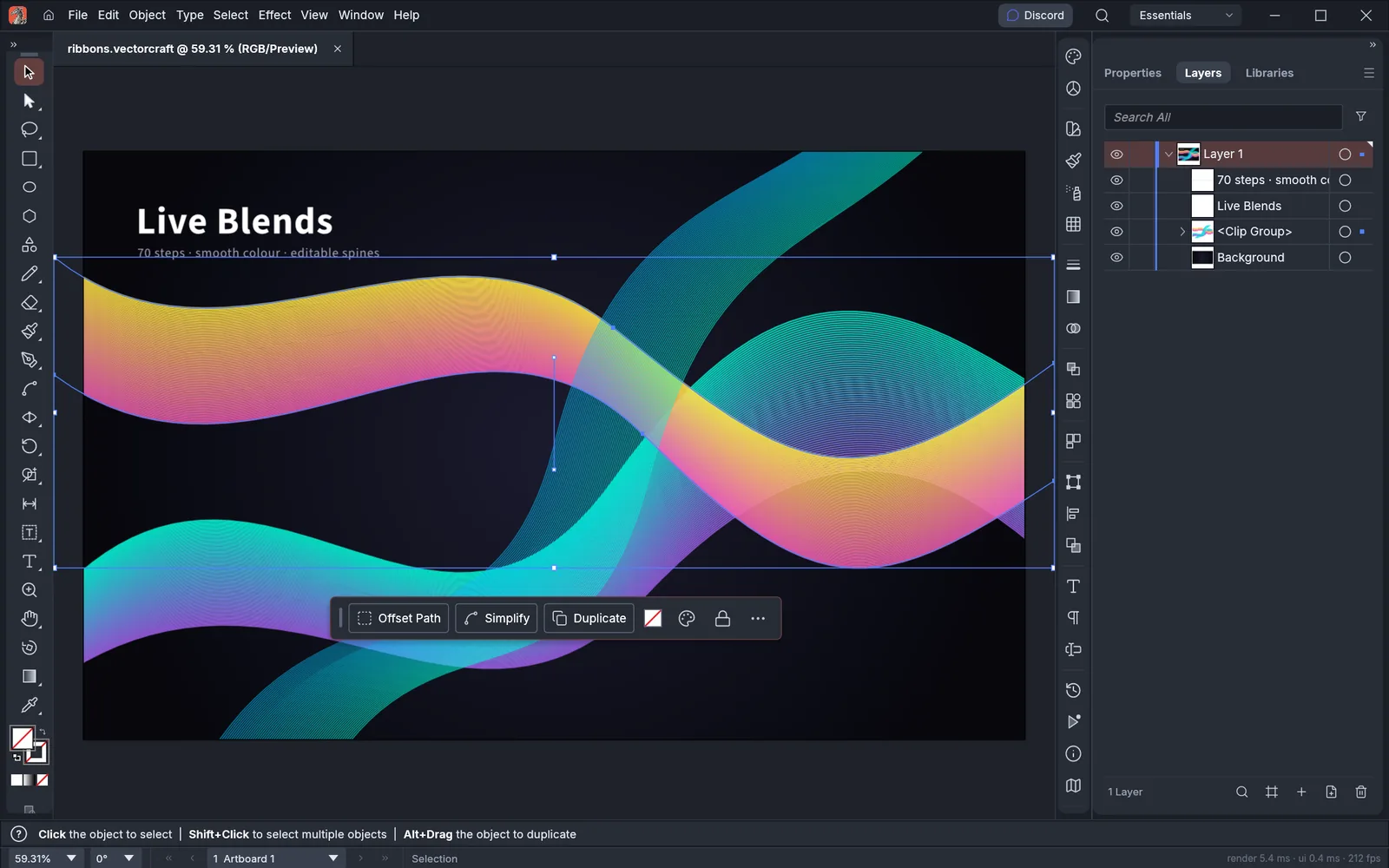
Blends, gradients, repeats, glows and shadows remain editable.
Import and export
Import and export SVG and PDF, export raster images, or use the legacy .ai export added in v0.12.0 to preserve groups and layers. Check the result in the receiving application.
Tracing and reshaping
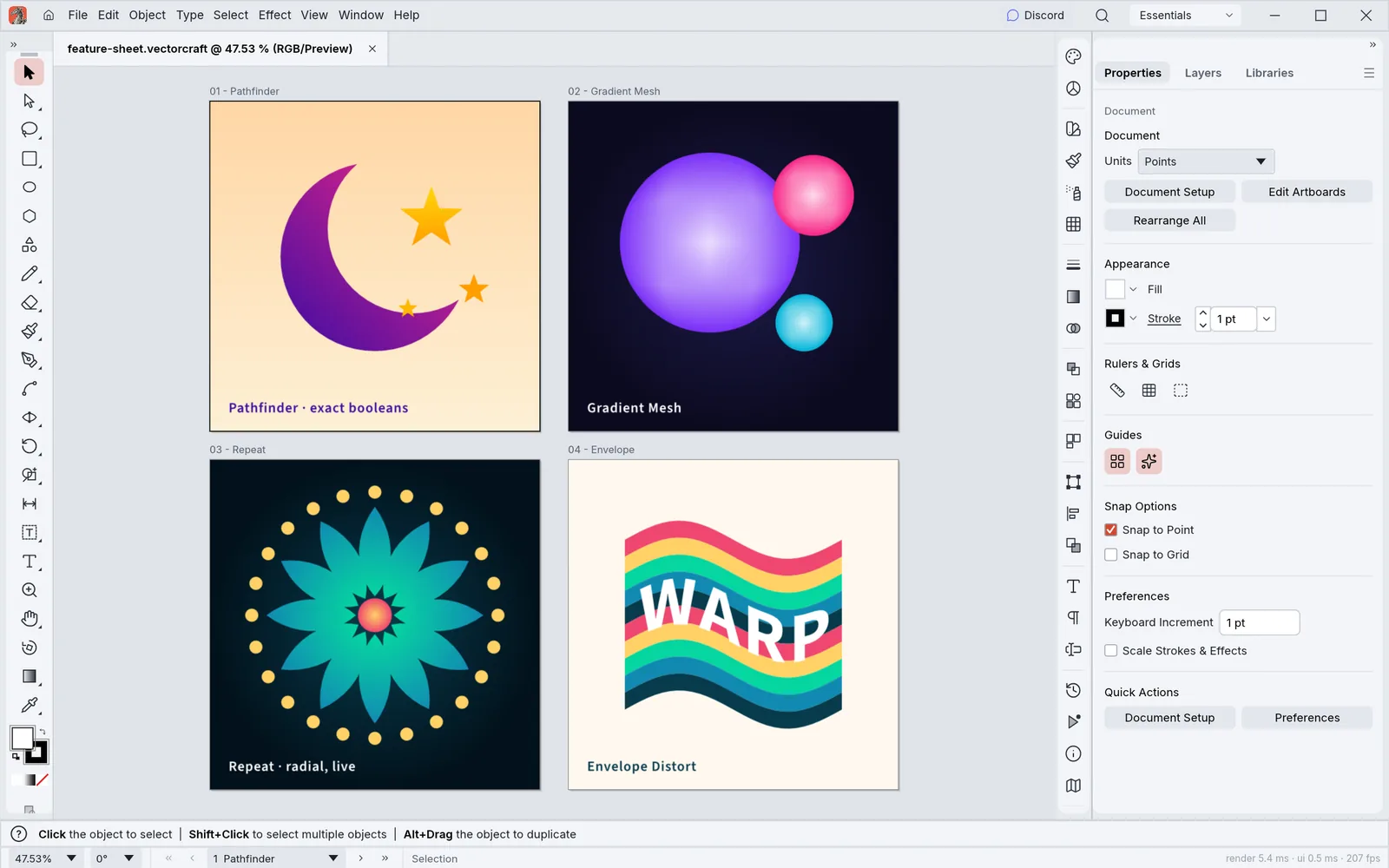
Trace raster artwork with 12 presets. Envelope distortion, gradient meshes and radial, grid or mirror repeats remain editable; export multiple sizes for screens.
Spatial tools and MCP
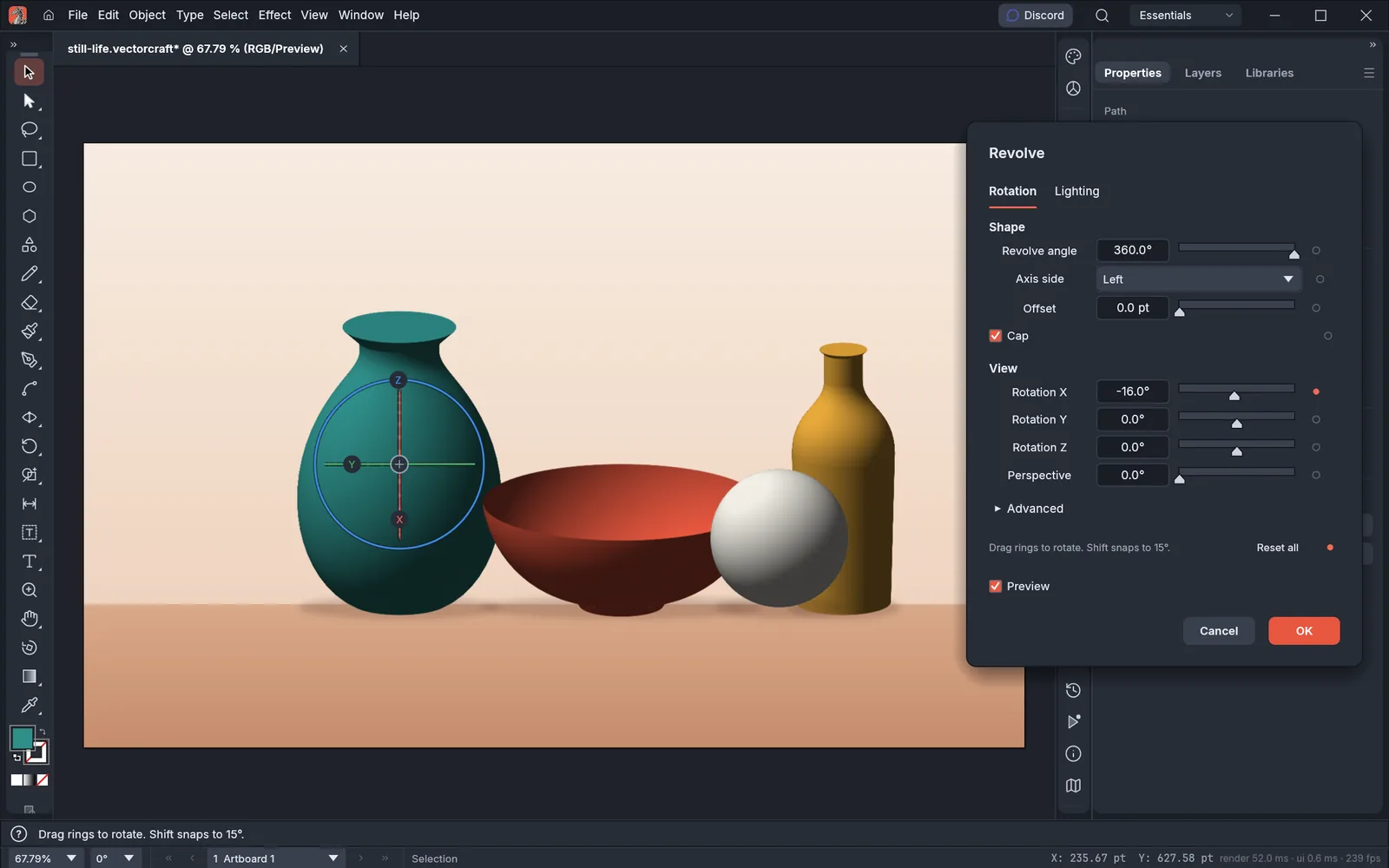
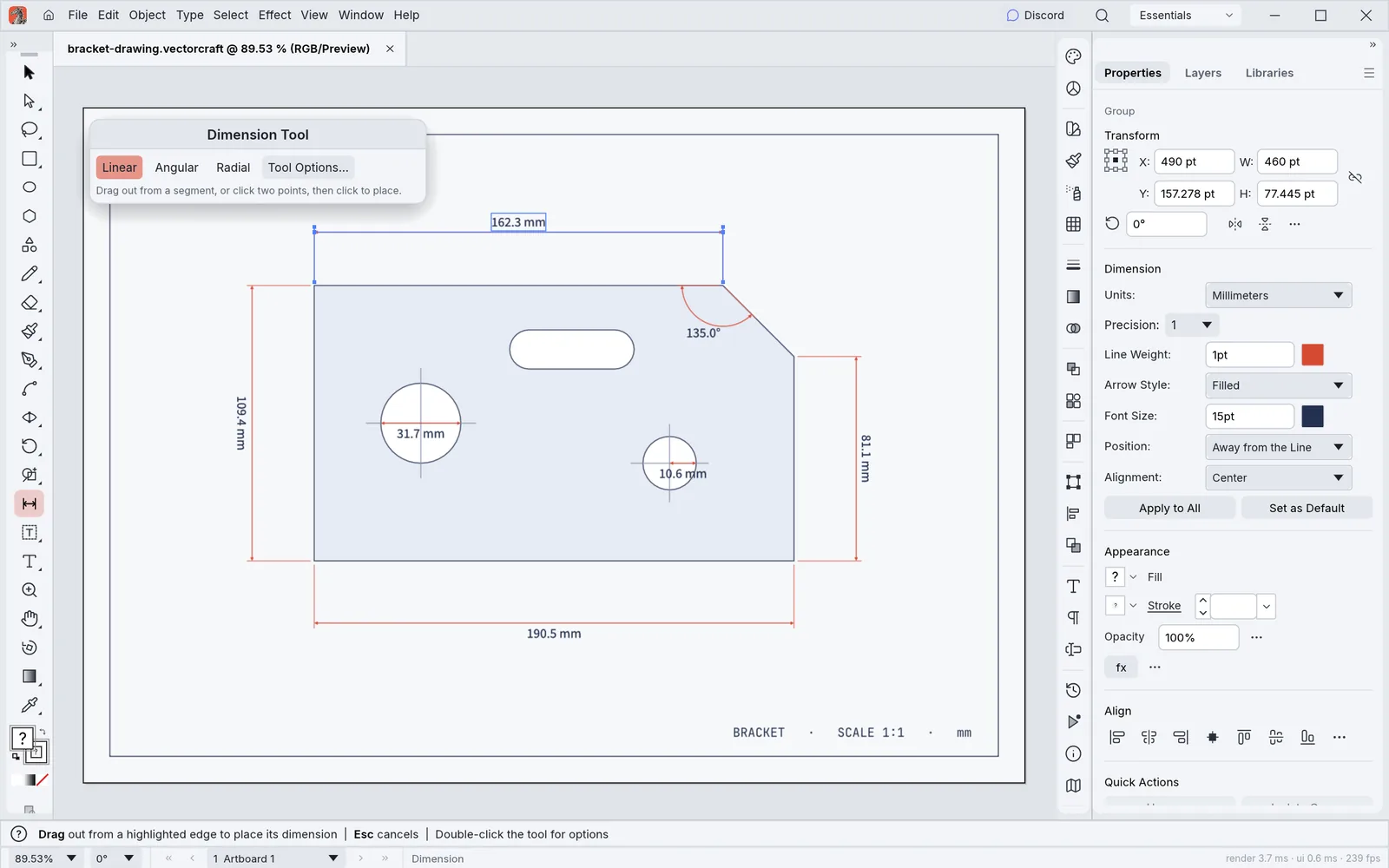
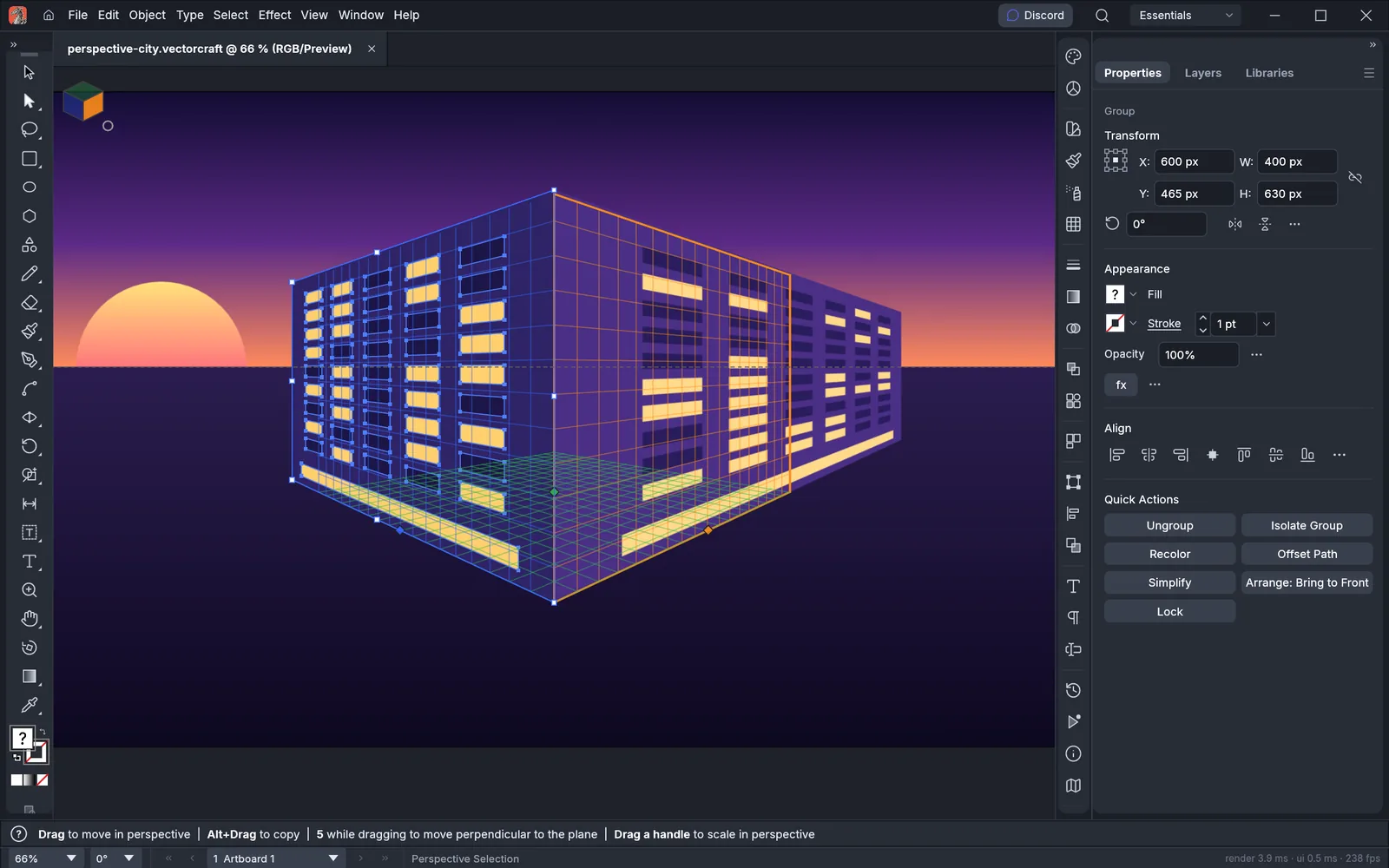
Use 3D revolve, dimensions and a perspective grid. The official MCP demo shows an agent drawing editable vector artwork; v0.12.0 also improves revolve shading and Web touch and Apple Pencil input.
What changed in 0.23.0
Selected changes from the official release notes, checked on November 10, 2026. These are documentation summaries, not Wiki application tests.
- Extrude & Bevel, Inflate and Rotate can apply to a group around a shared axis. Cells copied from spreadsheets can be pasted as a text table with gridlines.
- Slow file opens show progress with Cancel and Continue in Background. The release improves path booleans, snapping and live effects imported from AI files.
November 2 snapshot: 0.20.0
- Adds add-ons for grouping overlapping objects, dividing paths into dashes, saving timestamped copies and creating symbols from layers.
- Add New Fill copies the selected appearance fill above it, and the release includes further path, text and export refinements.
Earlier additions: 0.17.0
- OpenType SVG color fonts can be drawn and exported as vector artwork.
- Tablet pressure and the pen eraser end work with the tools on Linux under X11 and XWayland. Open, Place and screen exports move more file work to background threads.
Official demonstration
Watch an agent draw with MCP
An agent draws editable vector artwork through the official MCP server.
Video: ArtCraft. Open the official video (opens in a new tab / 新窗口打开) · Source page (opens in a new tab / 新窗口打开)
A closer look at the tools
What can you use VectorCraft for?
- Draw icons and scalable illustrations.
- Prepare vector elements for page layouts.
VectorCraft is still in development. Before moving an existing illustration project, check its fonts, effects and imported SVG or PDF artwork.
Read the license (opens in a new tab / 新窗口打开)Download and install VectorCraft
Install and update with ArtCraft Launcher, or open the official product page and find “Option 2 · Standalone” in the download section for standalone installers.
- Follow the link below to the official VectorCraft download page. To manage several apps in one place, install Launcher first.
- Choose the installer for your operating system and follow the instructions on the page. Check the system requirements on the official page and the file format limitations here before downloading.
- Make a copy of your files and try a small project. You could start with this: Draw icons and scalable illustrations.
The Web version here is a WebAssembly build that you need to host yourself. The official product page provides the download package.
Information as of: 2026-11-10
- getartcraft.com/apps/vectorcraft (opens in a new tab / 新窗口打开)
- getartcraft.com/apps (opens in a new tab / 新窗口打开)
- craft.wiki/apps/vectorcraft/overview/ (opens in a new tab / 新窗口打开)
- github.com/storytold/vectorcraft/releases/tag/v0.23.0 (opens in a new tab / 新窗口打开)
- github.com/storytold/vectorcraft/releases/tag/v0.12.0 (opens in a new tab / 新窗口打开)
- github.com/storytold/vectorcraft (opens in a new tab / 新窗口打开)
- github.com/storytold/vectorcraft/blob/main/LICENSE-MIT (opens in a new tab / 新窗口打开)