ArtCraft LightCraft: Features & Downloads.
ArtCraft LightCraft: Explore photo libraries, RAW development and local masks. Check camera-file limitations, development status and downloads.
LightCraft is part of the ArtCraft team’s Crafting Apps family, separate from the AI image and video studio. Organize a photo library and develop RAW images on your machine.
Checked 2026-10-13
Based on official documentation. These guides do not claim independent installation, performance or compatibility testing.
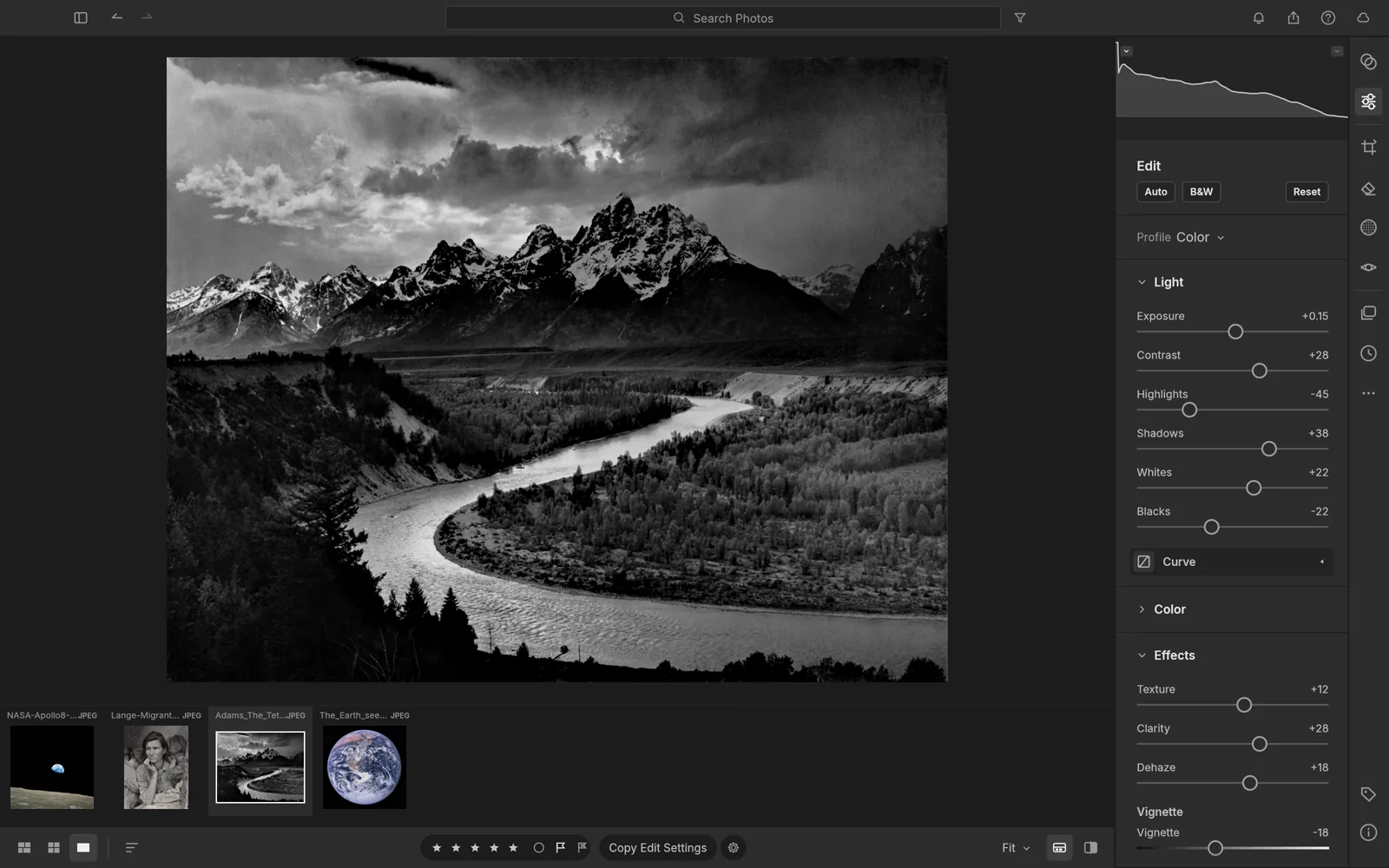
Photo library
Organize photos with albums, ratings, flags and searchable metadata.
RAW development
A non-destructive pipeline provides tone, color and curve adjustments while retaining originals.
Local masking
Brushes, gradients and subject or sky masks are described for targeted adjustments.
When to explore LightCraft
- Organize a photography session.
- Develop RAW photos before detailed image editing.
These are suggested uses based on official descriptions, not independently tested workflows.
LightCraft is in development. RAW support depends on the camera and file variant; verify your own files and keep originals before adopting it.
Repository license information (opens in a new tab / 新窗口打开)How to download and install LightCraft
Use the ArtCraft Launcher for centralized installs and updates, or choose a standalone installer on this app’s official page. Our download guide explains both entry points.
- Open the official LightCraft page using the standalone installer link below, or follow our download guide to the ArtCraft Launcher release.
- Choose the build for your operating system and follow its installation instructions. Check the platform and format limitations on this page before starting.
- Start with a small project using copies of your files. For LightCraft, a suggested first task is: Organize a photography session.
Web support refers to the WebAssembly build, currently offered for self-hosting on the official product page. It is not a verified hosted editor link.
Last checked:2026-10-13 · Official information may change.