ArtCraft Craft Anything: Features & Downloads
ArtCraft Craft Anything: Study software with evidence-backed tools and build original projects with coding agents. Learn about checks, approval requests, setup and official downloads.
Craft Anything is part of the Crafting Apps family developed by the ArtCraft team. Study software with evidence-backed tools, then build and check a project with a coding agent.
Information as of 2026-11-02
Based on ArtCraft documentation, not hands-on testing.
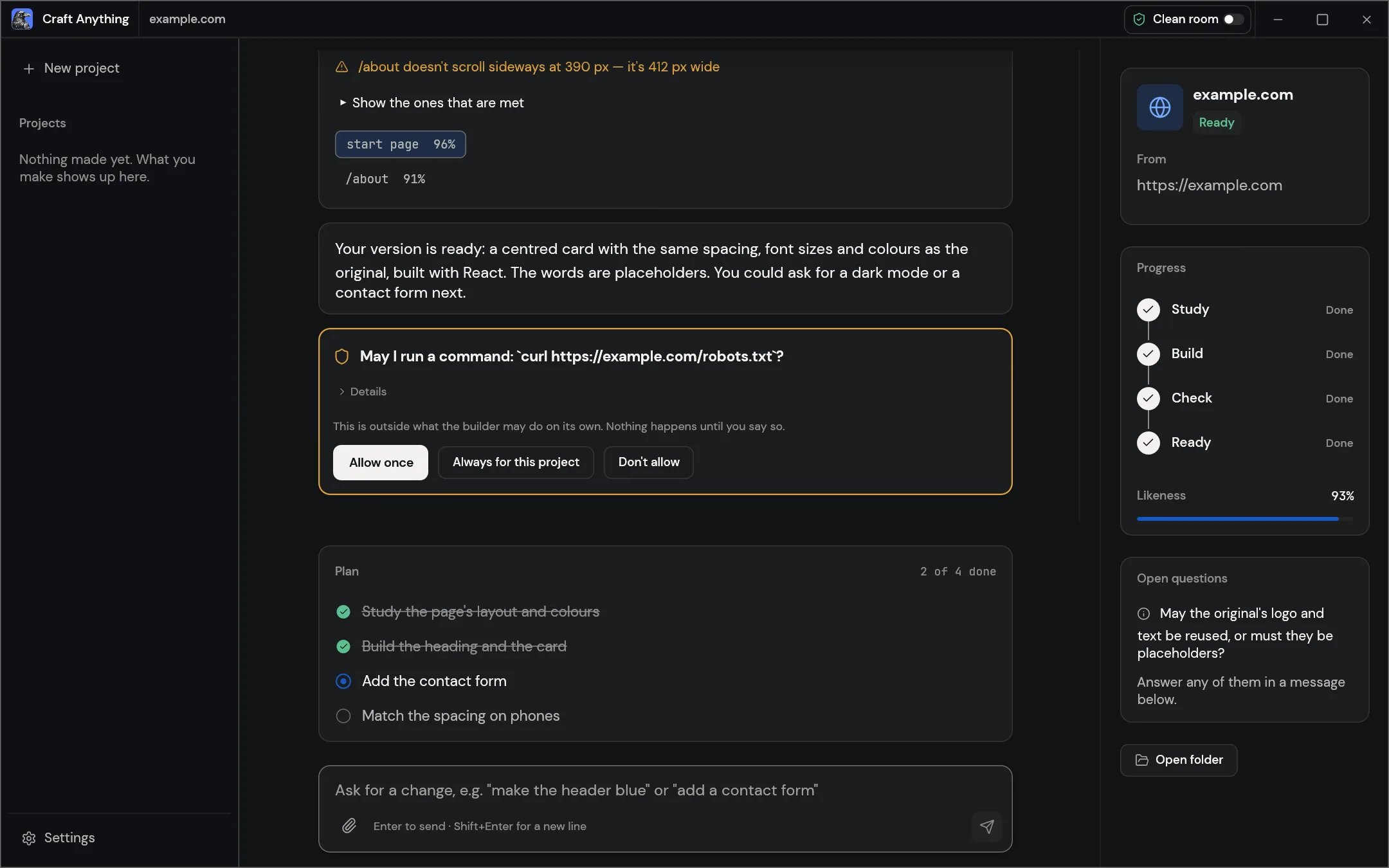
Study software
Inspect websites, apps, games and files with tools that record the evidence behind findings. Choose clean-room tools or opt into deeper inspection according to the project.
Build with an agent
Describe a project and work with a coding agent to build it. Version 0.2.0 shows current build activity, explains failed runs and lets Try again resume an interrupted build.
Compare and refine
Compare the result with the reference, review differences and request changes. Build checks and plans help organize the iteration.
Control and interfaces
The desktop app, command line and MCP server use the same engine. Review approval requests before actions outside the rules you set are run.
What changed in 0.2.0
Selected changes from the official release notes, checked on November 2, 2026. These are documentation summaries, not Wiki application tests.
- Build progress and failure explanations are clearer; Try again resumes a stopped build, and coding-agent cost is labeled as an estimate.
- Improves Windows npm-installed coding-agent startup, local model-server detection, CJK font coverage and OpenCode invocation.
A closer look at the tools
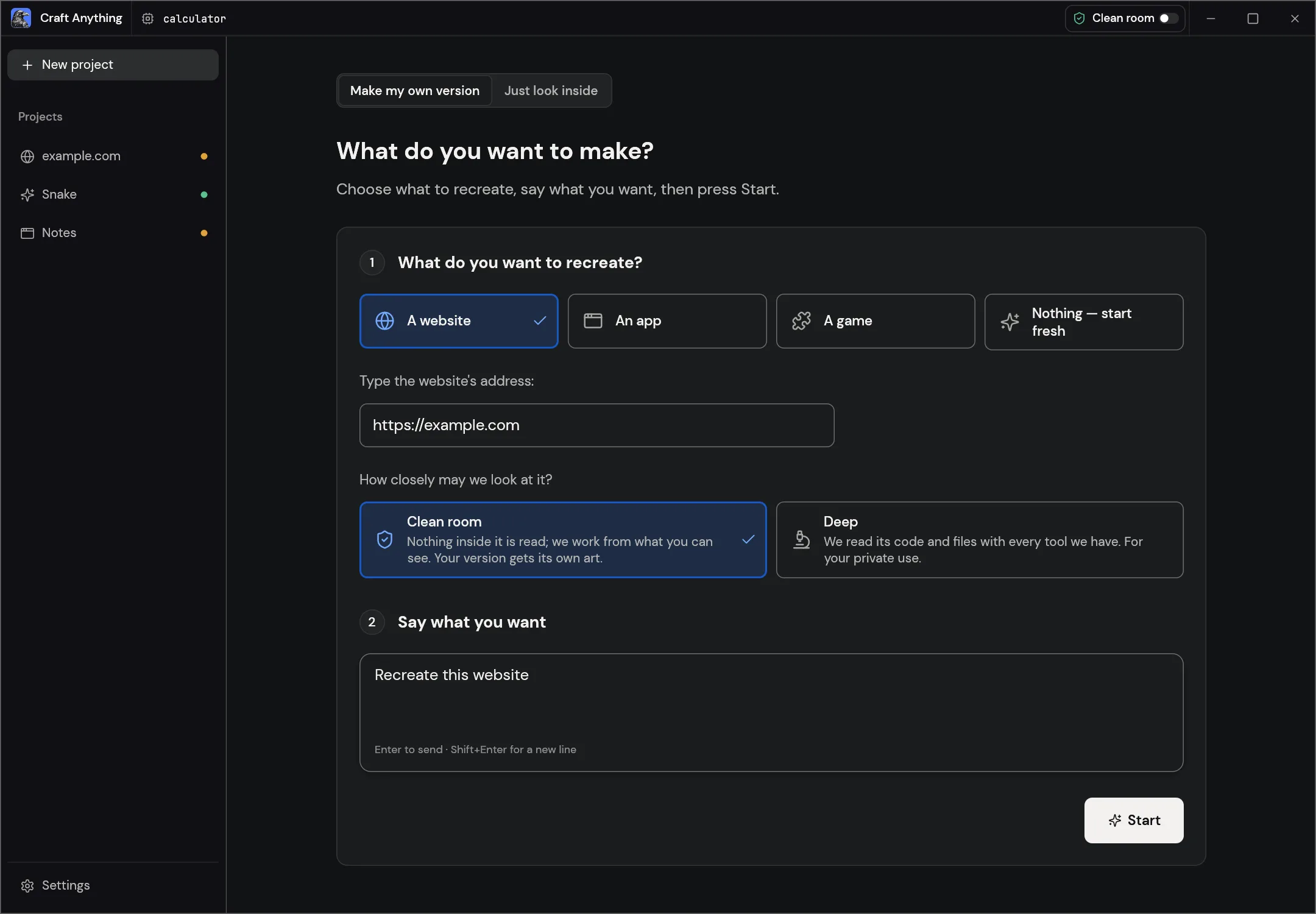
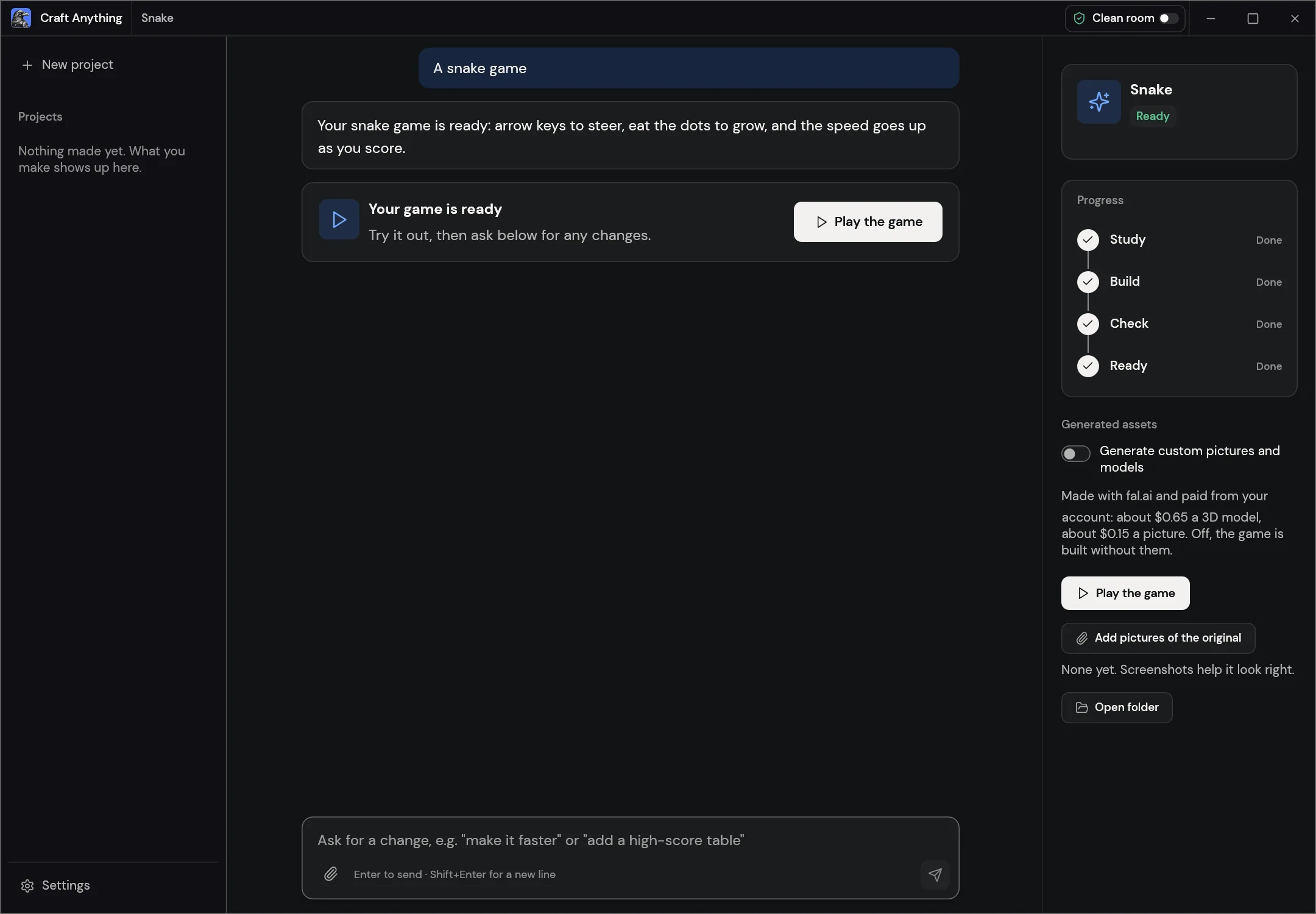
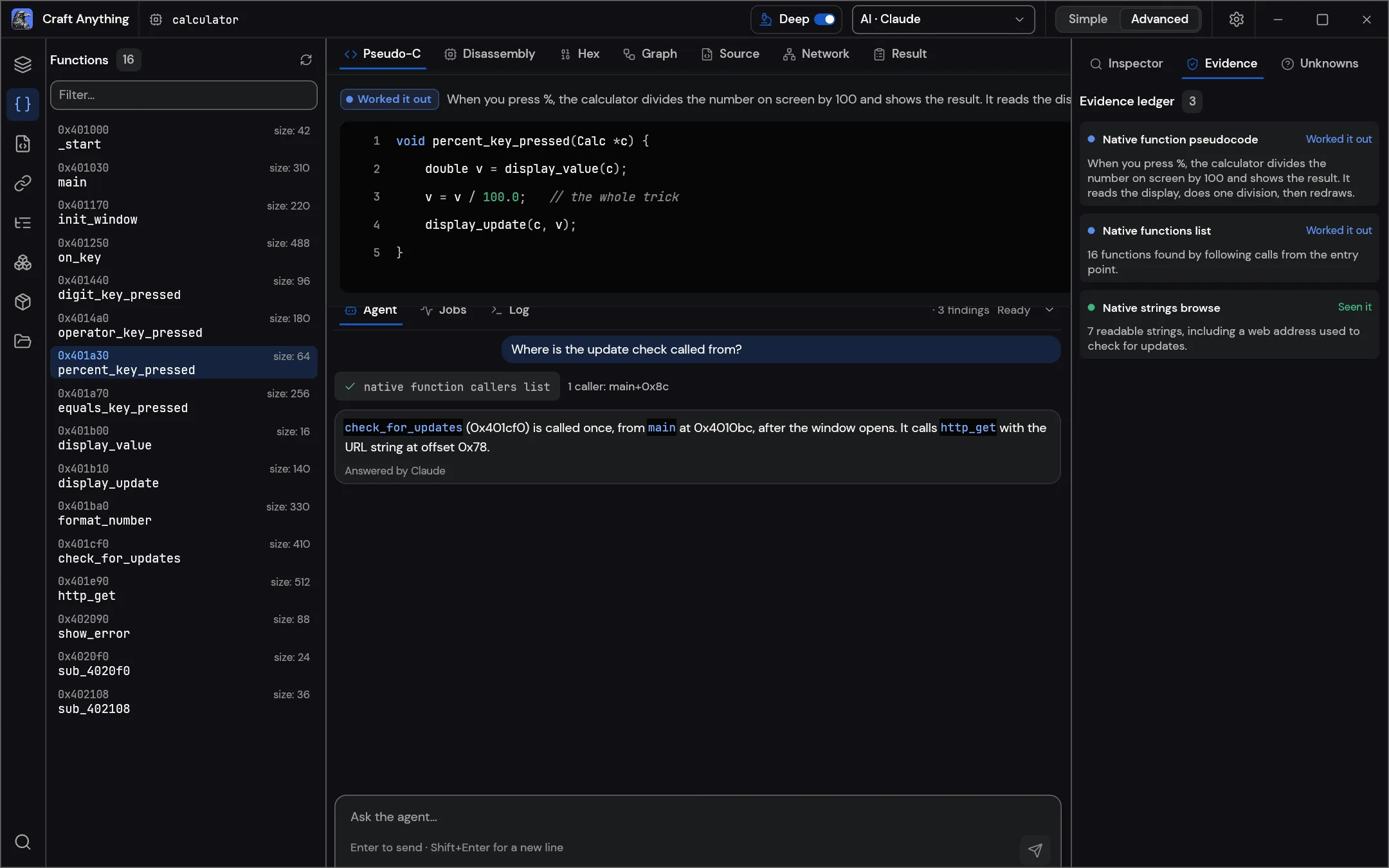
What can you use Craft Anything for?
- Study a website and make an original practice project.
- Iterate on a small app with a coding agent and build checks.
Craft Anything is in early alpha. Agent configuration, access to referenced software and model-provider costs depend on your setup. The displayed agent cost is an estimate, not a bill. Web downloads need self-hosting.
Read the license (opens in a new tab / 新窗口打开)Download and install Craft Anything
Install and update with ArtCraft Launcher, or open the official product page and find “Option 2 · Standalone” in the download section for standalone installers.
- Follow the link below to the official Craft Anything download page. To manage several apps in one place, install Launcher first.
- Choose the installer for your operating system and follow the instructions on the page. Check the system requirements on the official page and the file format limitations here before downloading.
- Make a copy of your files and try a small project. You could start with this: Study a website and make an original practice project.
The Web version here is a WebAssembly build that you need to host yourself. The official product page provides the download package.
Information as of: 2026-11-02
- getartcraft.com/apps/craft-anything (opens in a new tab / 新窗口打开)
- getartcraft.com/apps (opens in a new tab / 新窗口打开)
- github.com/storytold/craft-anything/releases/tag/v0.2.0 (opens in a new tab / 新窗口打开)
- github.com/storytold/craft-anything (opens in a new tab / 新窗口打开)
- github.com/storytold/craft-anything/blob/main/LICENSE-MIT (opens in a new tab / 新窗口打开)