ArtCraft FilmCraft: Features & Downloads
ArtCraft FilmCraft: Edit video, adjust color and work with audio using timeline and scope tools. Find desktop downloads and a WebAssembly build to host yourself.
FilmCraft is part of the Crafting Apps family developed by the ArtCraft team. Edit footage on a timeline to make films.
Information as of 2026-11-10
Based on ArtCraft documentation, not hands-on testing.
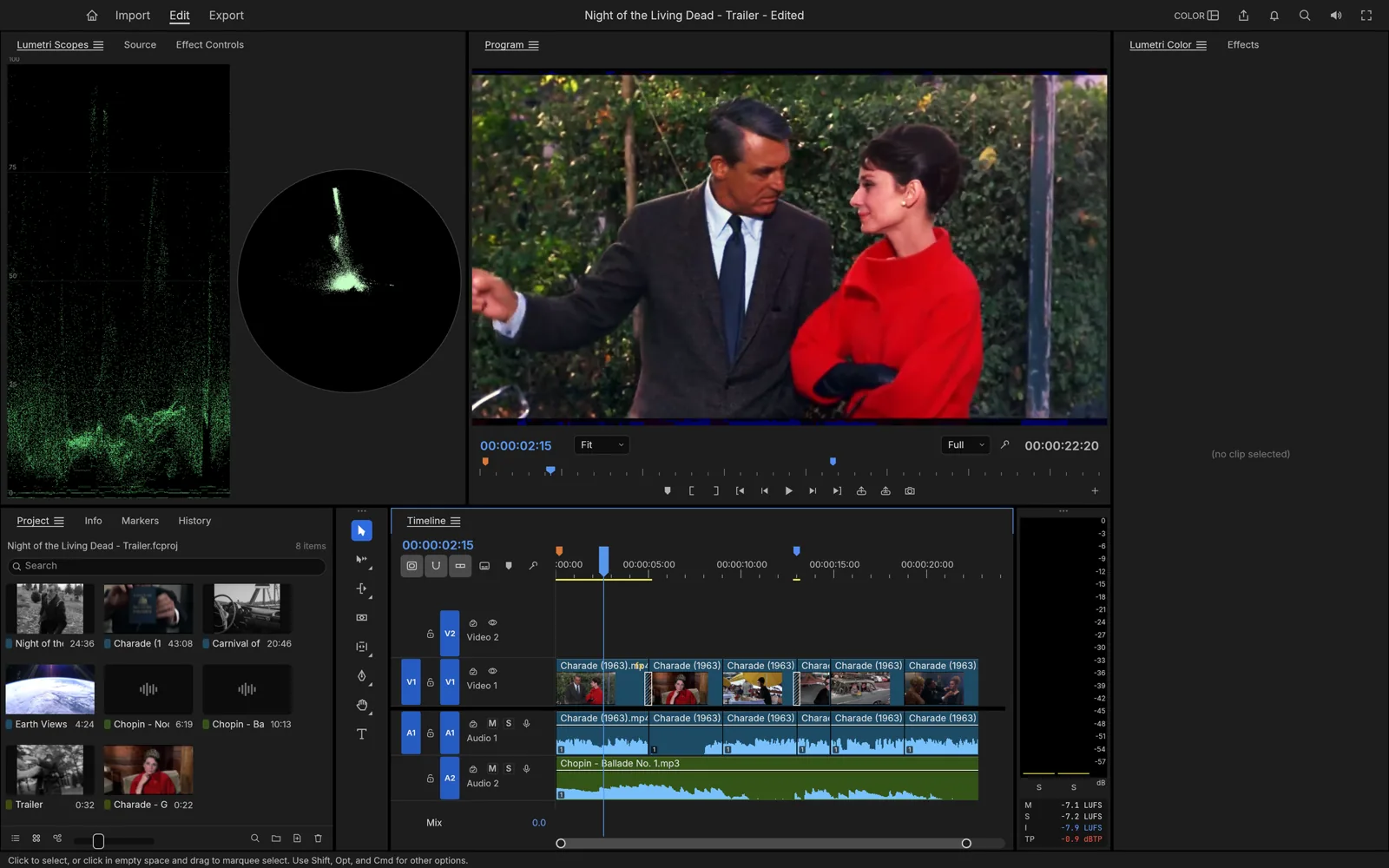
Timeline editing
View footage in source and program monitors, then assemble it on the timeline with three-point editing and trim tools. In FilmCraft, build an interview around selected answers, then refine the transitions, picture and sound for the assembled sequence.
Color and scopes
Adjust color with curves, color wheels and LUTs, and inspect the image with video scopes.
Effects and audio
Adjust effects with keyframes, add transitions and mix the audio for your sequence.
Timing, codecs and delivery
The official page describes exact fractional-frame timing, native H.264, HEVC, ProRes, VP9, AAC and Opus codecs, HDR and log workflows, and EBU R128 loudness meters. These are documentation claims, not Wiki benchmarks.
What changed in 0.19.0
Selected changes from the official release notes, checked on November 10, 2026. These are documentation summaries, not Wiki application tests.
- The Web build uses the shared craft-web-api request functions for window.filmcraft. Command specifications identify named target keys.
- Improves audio codecs and damaged Ogg recovery. Scale Width is disabled while Uniform Scale is enabled.
November 2 snapshot: 0.16.0
- Adds a Three-Way Color Corrector. Matroska audio without an available decoder is labeled unsupported.
- The release fixes delayed Save-and-Quit handling on new projects and includes the shared update-result dialog.
Earlier additions: 0.13.0
- Adds Fujifilm F-Log, F-Log2 and F-Log2 C color spaces with F-Gamut and F-Gamut C.
- Tall timeline clip menus can scroll; WebVTT subtitle cues whose identifiers start with NOTE are preserved.
A closer look at the tools
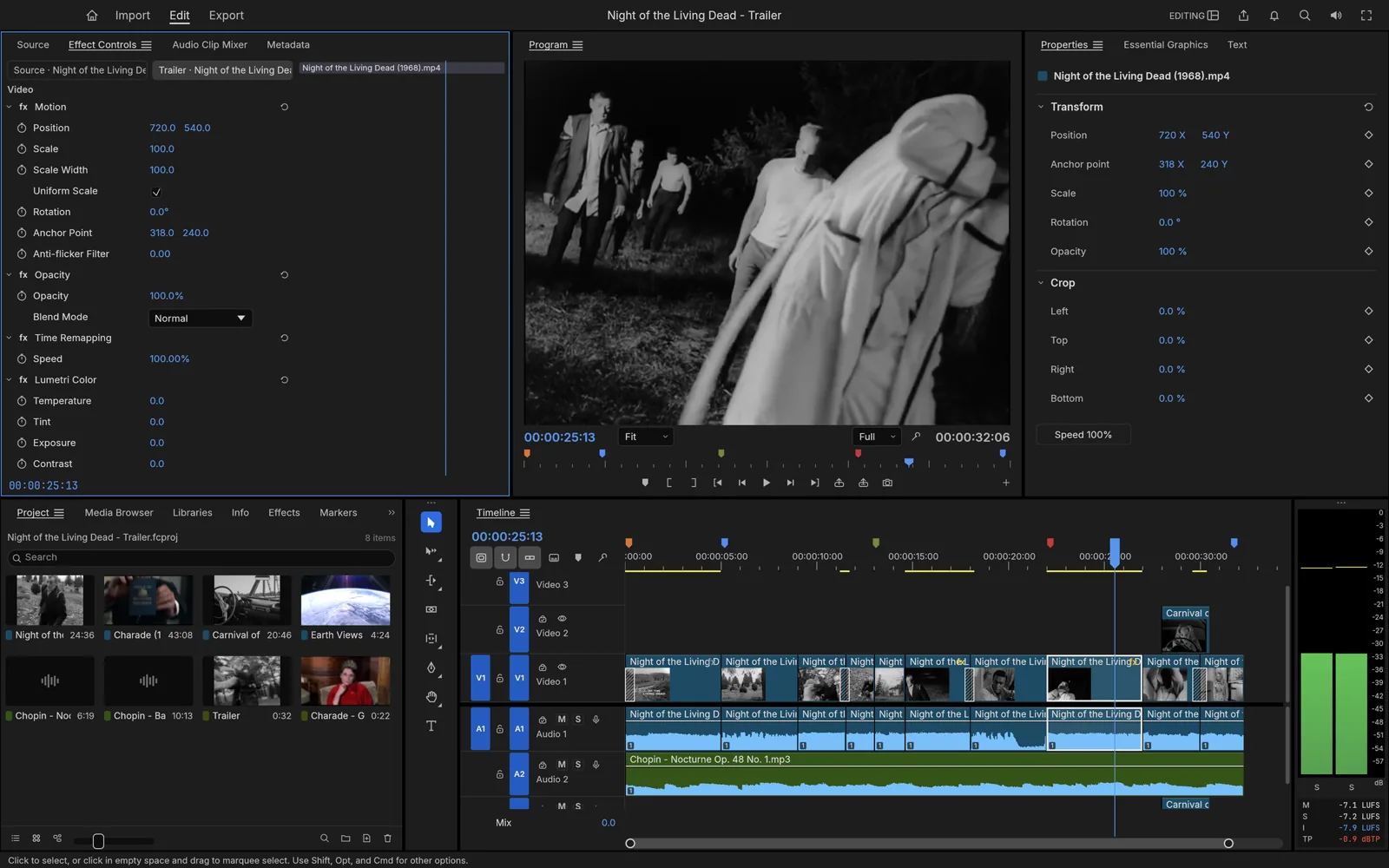
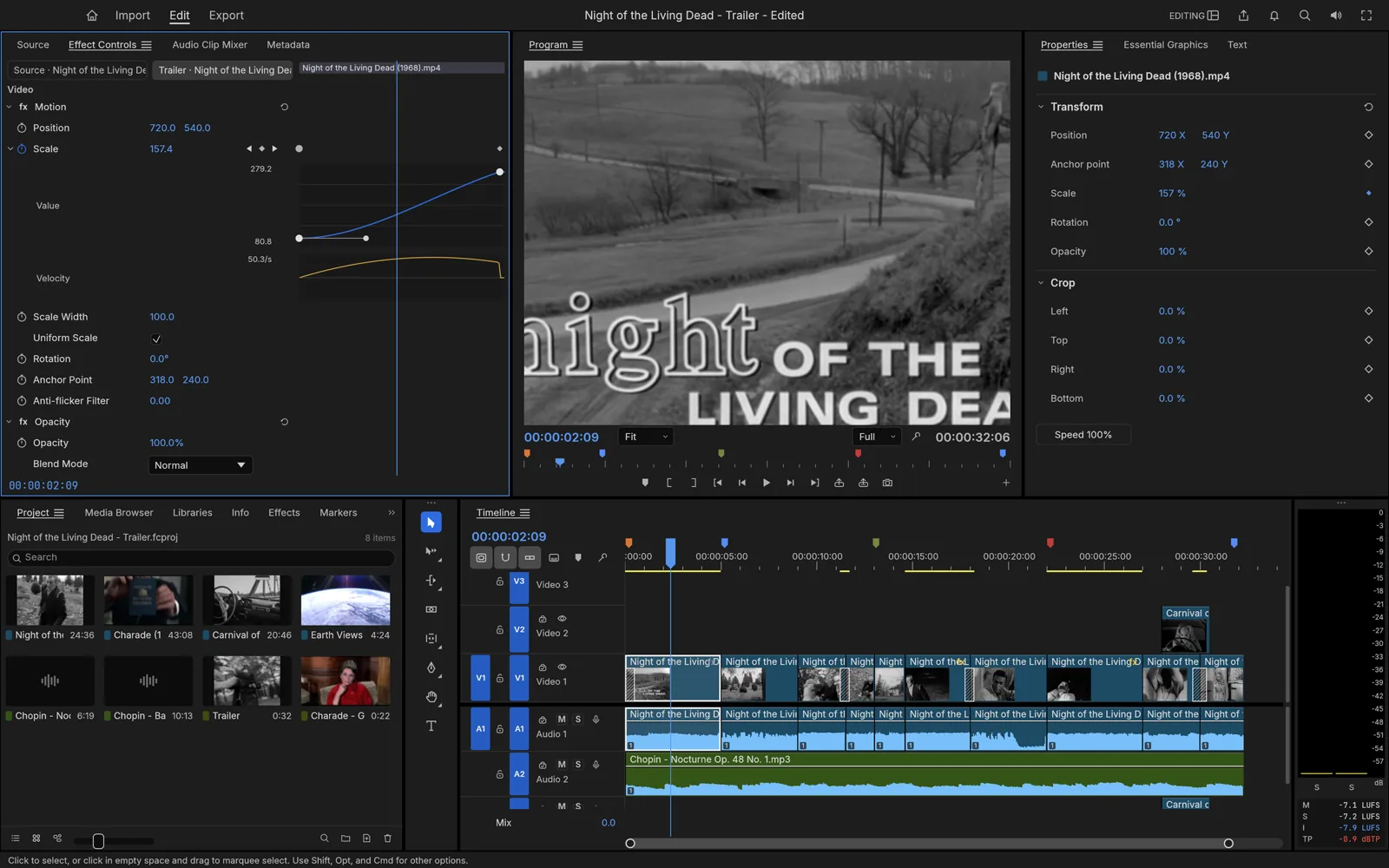
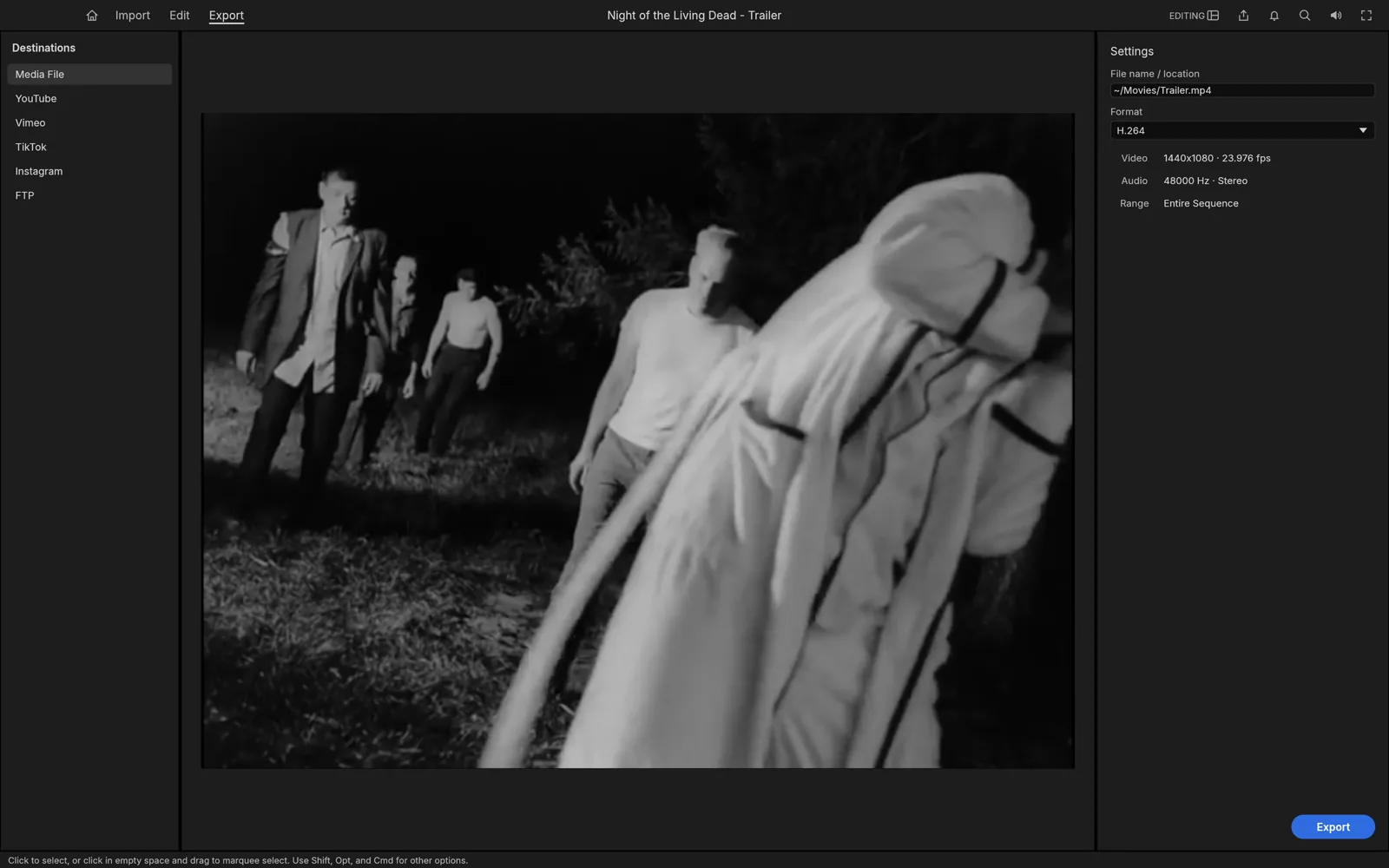
What can you use FilmCraft for?
- Edit a short film or interview.
- Adjust color and sound across a video sequence.
FilmCraft is still in development. Its platform badges mainly list desktop systems, and the download section also offers a WebAssembly build you can host yourself. Try your required codecs, audio processing and export on a copy before working on a full project.
Read the license (opens in a new tab / 新窗口打开)Download and install FilmCraft
Install and update with ArtCraft Launcher, or open the official product page and find “Option 2 · Standalone” in the download section for standalone installers.
- Follow the link below to the official FilmCraft download page. To manage several apps in one place, install Launcher first.
- Choose the installer for your operating system and follow the instructions on the page. Check the system requirements on the official page and the file format limitations here before downloading.
- Make a copy of your files and try a small project. You could start with this: Edit a short film or interview.
FilmCraft lists desktop operating systems in its platform badges. Its download section also offers a WebAssembly build that you need to host yourself.
Information as of: 2026-11-10
- getartcraft.com/apps/filmcraft (opens in a new tab / 新窗口打开)
- getartcraft.com/apps (opens in a new tab / 新窗口打开)
- craft.wiki/apps/filmcraft/overview/ (opens in a new tab / 新窗口打开)
- github.com/storytold/filmcraft/releases/tag/v0.19.0 (opens in a new tab / 新窗口打开)
- github.com/storytold/filmcraft (opens in a new tab / 新窗口打开)
- github.com/storytold/filmcraft/blob/main/LICENSE-MIT (opens in a new tab / 新窗口打开)