ArtCraft EffectCraft: Features & Downloads
ArtCraft EffectCraft: Create motion graphics and visual effects with compositions, keyframes and expressions, then export video. See the current development status, platforms and downloads.
EffectCraft is part of the Crafting Apps family developed by the ArtCraft team. Composite footage, create animations and add visual effects to video.
Information as of 2026-11-10
Based on ArtCraft documentation, not hands-on testing.
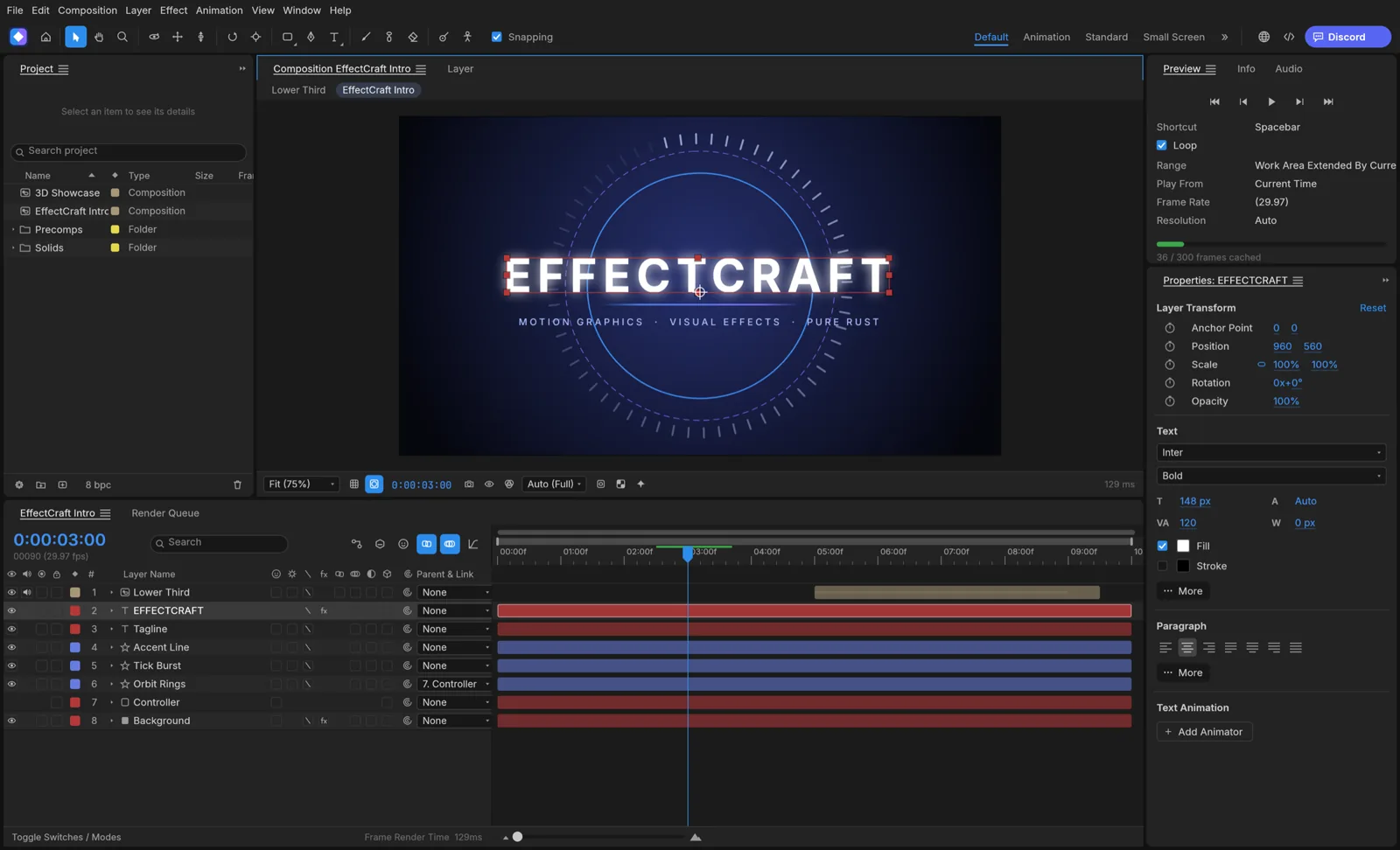
Compositions and layers
Combine footage, text and shapes on separate layers, and nest other compositions within them.
Animation and expressions
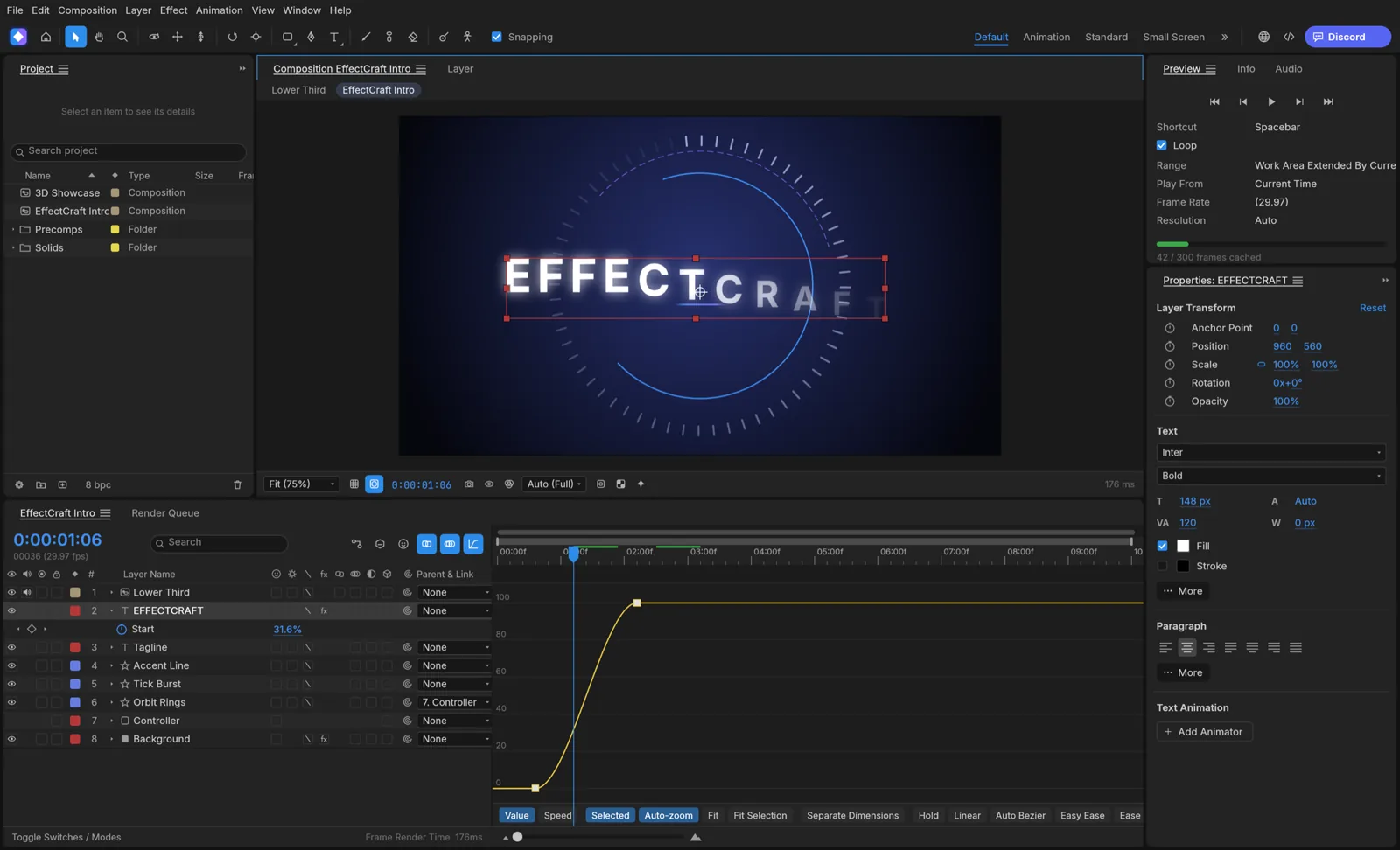
Set keyframes, edit curves or write expressions to control how the image changes over time. In EffectCraft, animate a title above the footage, then use curves to refine its overall timing.
Cameras and export
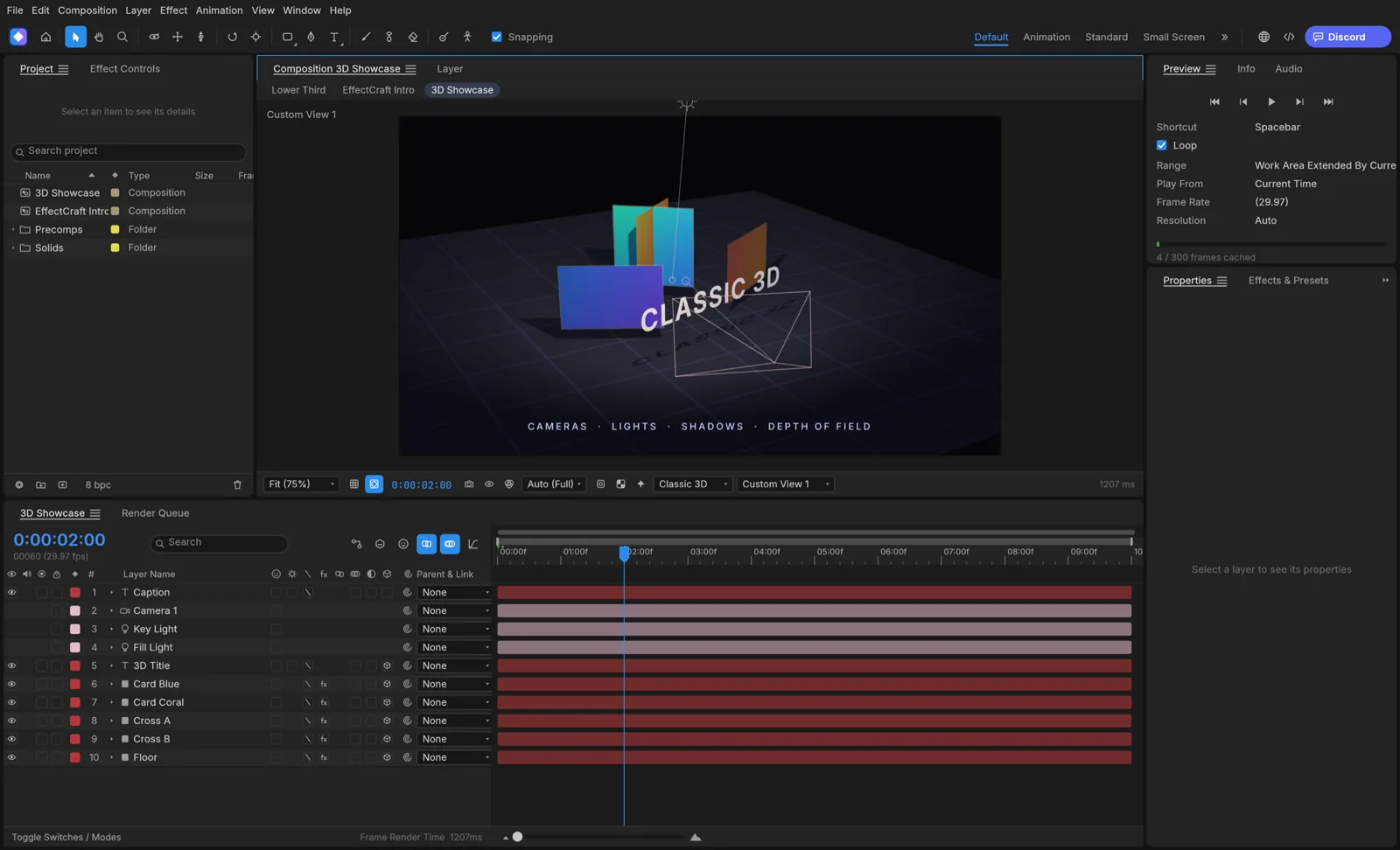
Stage scenes with 3D layers, cameras and lights, then export video or an image sequence.
Effects and exchange formats
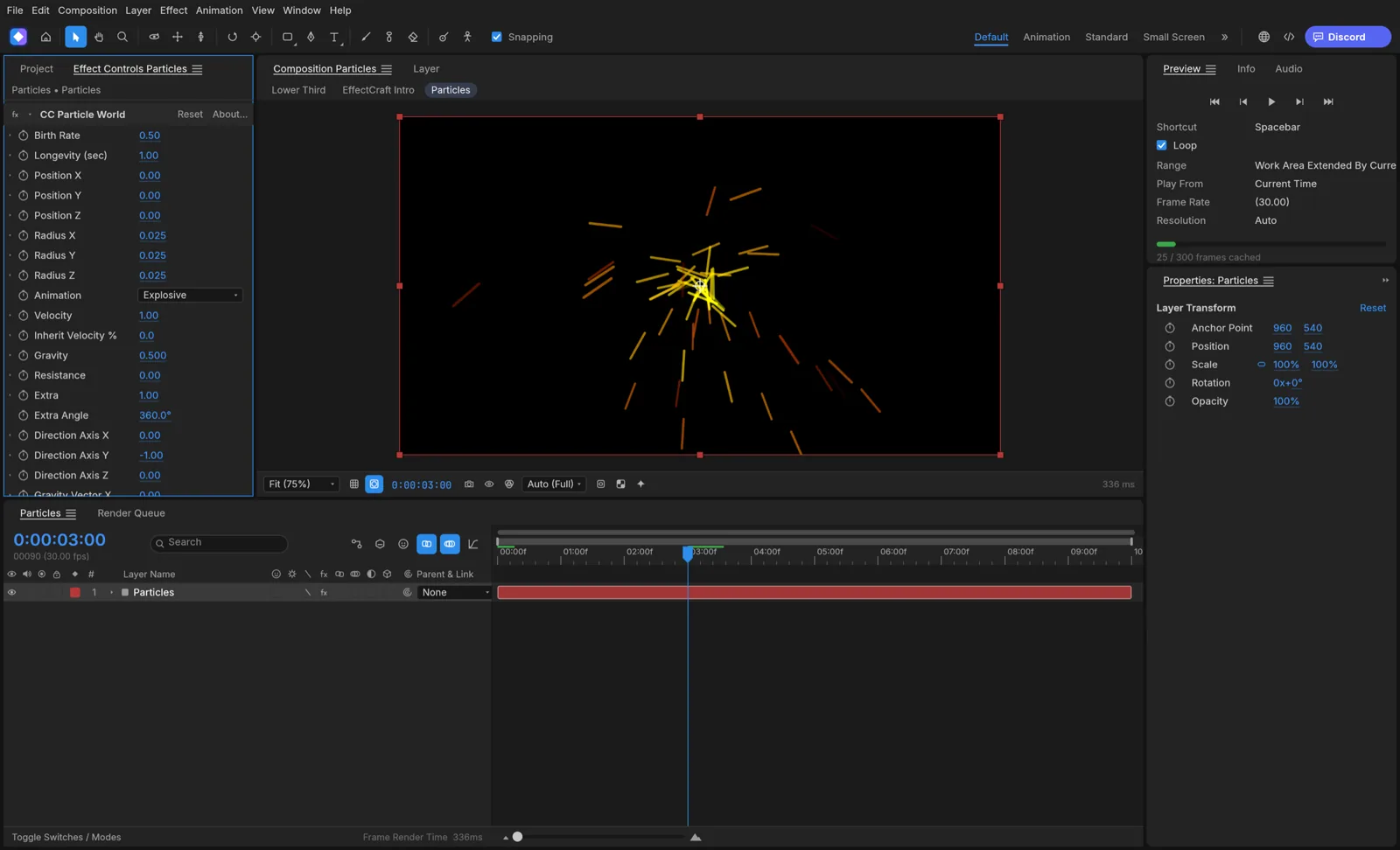
The official page lists 259 effects including particles and simulation, depth of field and soft ray-traced shadows, Lottie import/export and 32-bit EXR sequences. It also lists H.264 and ProRes exports with alpha support where the format allows.
What changed in 0.23.1
Selected changes from the official release notes, checked on November 10, 2026. These are documentation summaries, not Wiki application tests.
- Keeps the interface responsive during GPU preview and limits concurrent GPU frames to reduce video-memory growth.
- Improves GPU footage upload/readback and renderer selection; local diagnostics record unexpected desktop exits. Upstream performance figures are not Wiki benchmarks.
November 2 snapshot: 0.20.0
- Adds Delete All Markers for composition markers and a Swedish interface translation.
- Disk-cache fixes discard frames rendered before adjustment layers used their blending mode.
Earlier additions: 0.17.0
- Replace a layer source with Alt-drag or Ctrl+Alt+/. Preview continues rendering beyond cached frames after looping or restarting.
- The release also records improvements to CJK fonts, the timeline, preview caches and interface languages.
A closer look at the tools
What can you use EffectCraft for?
- Create an animated title or motion graphic.
- Compose layered effects for a video edit.
EffectCraft is still in development. Check your expressions, imported media and required export formats before starting a project. Project files from commercial software may not open or work here.
Read the license (opens in a new tab / 新窗口打开)Download and install EffectCraft
Install and update with ArtCraft Launcher, or open the official product page and find “Option 2 · Standalone” in the download section for standalone installers.
- Follow the link below to the official EffectCraft download page. To manage several apps in one place, install Launcher first.
- Choose the installer for your operating system and follow the instructions on the page. Check the system requirements on the official page and the file format limitations here before downloading.
- Make a copy of your files and try a small project. You could start with this: Create an animated title or motion graphic.
The Web version here is a WebAssembly build that you need to host yourself. The official product page provides the download package.
Information as of: 2026-11-10
- getartcraft.com/apps/effectcraft (opens in a new tab / 新窗口打开)
- getartcraft.com/apps (opens in a new tab / 新窗口打开)
- craft.wiki/apps/effectcraft/overview/ (opens in a new tab / 新窗口打开)
- github.com/storytold/effectcraft/releases/tag/v0.23.1 (opens in a new tab / 新窗口打开)
- github.com/storytold/effectcraft (opens in a new tab / 新窗口打开)
- github.com/storytold/effectcraft/blob/main/LICENSE-MIT (opens in a new tab / 新窗口打开)