ArtCraft MaterialCraft: Features & Downloads
ArtCraft MaterialCraft: Build PBR material graphs, preview outputs and share portable materials with TextureCraft. Read development limits, historical screenshot notes and official downloads.
MaterialCraft is part of the Crafting Apps family developed by the ArtCraft team. Build node-based PBR materials, preview them in 2D and 3D, and export texture maps.
Information as of 2026-11-10
Based on ArtCraft documentation, not hands-on testing.
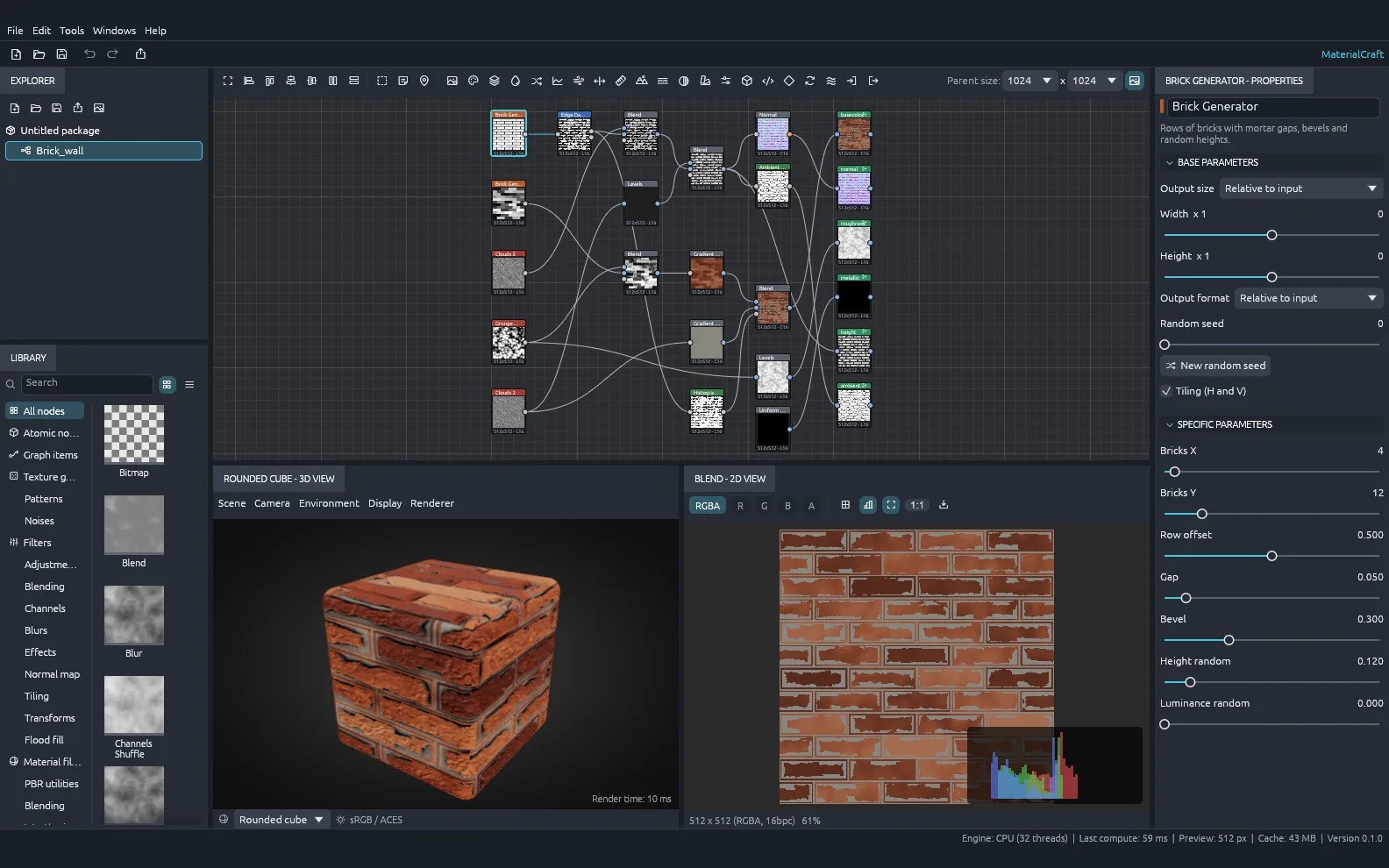
Node-based material graphs
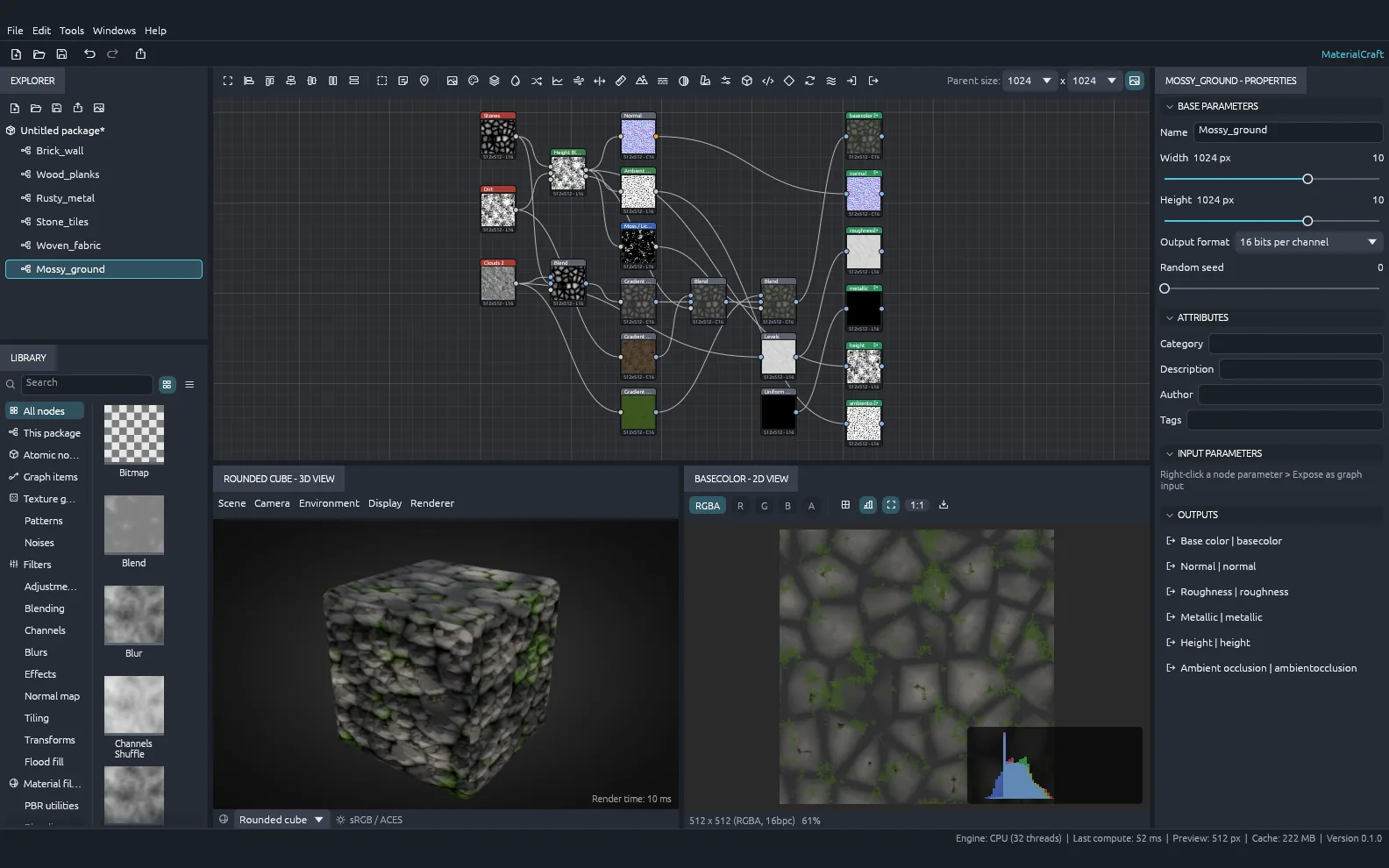
Connect image and function nodes, expose inputs and preview material maps in 2D and on a 3D model.
Functions and reusable graphs
Pixel and value processors, FX-Map patterns and graph instances build reusable effects. Version 0.3 adds graph node instancing and SBS resource support.
Export and TextureCraft
Export map images and portable .mcmat materials. TextureCraft can use a .mcmat fill with exposed graph inputs.
Automation and local files
CLI, JSON control and MCP can operate material graphs. Read the official documentation for the current node library and missing-node reports.
What changed in 0.3.0
Selected changes from the official release notes, checked on November 10, 2026. These are documentation summaries, not Wiki application tests.
- Adds graph node instancing, shared functions, SBS resources and MCRAFT project support, plus in-app release checks and updates.
- Improves graph-input exposure, data-texture color handling and export conflict checks. The 0.1 marketing gallery is historical; the node library changed in 0.2.
A closer look at the tools
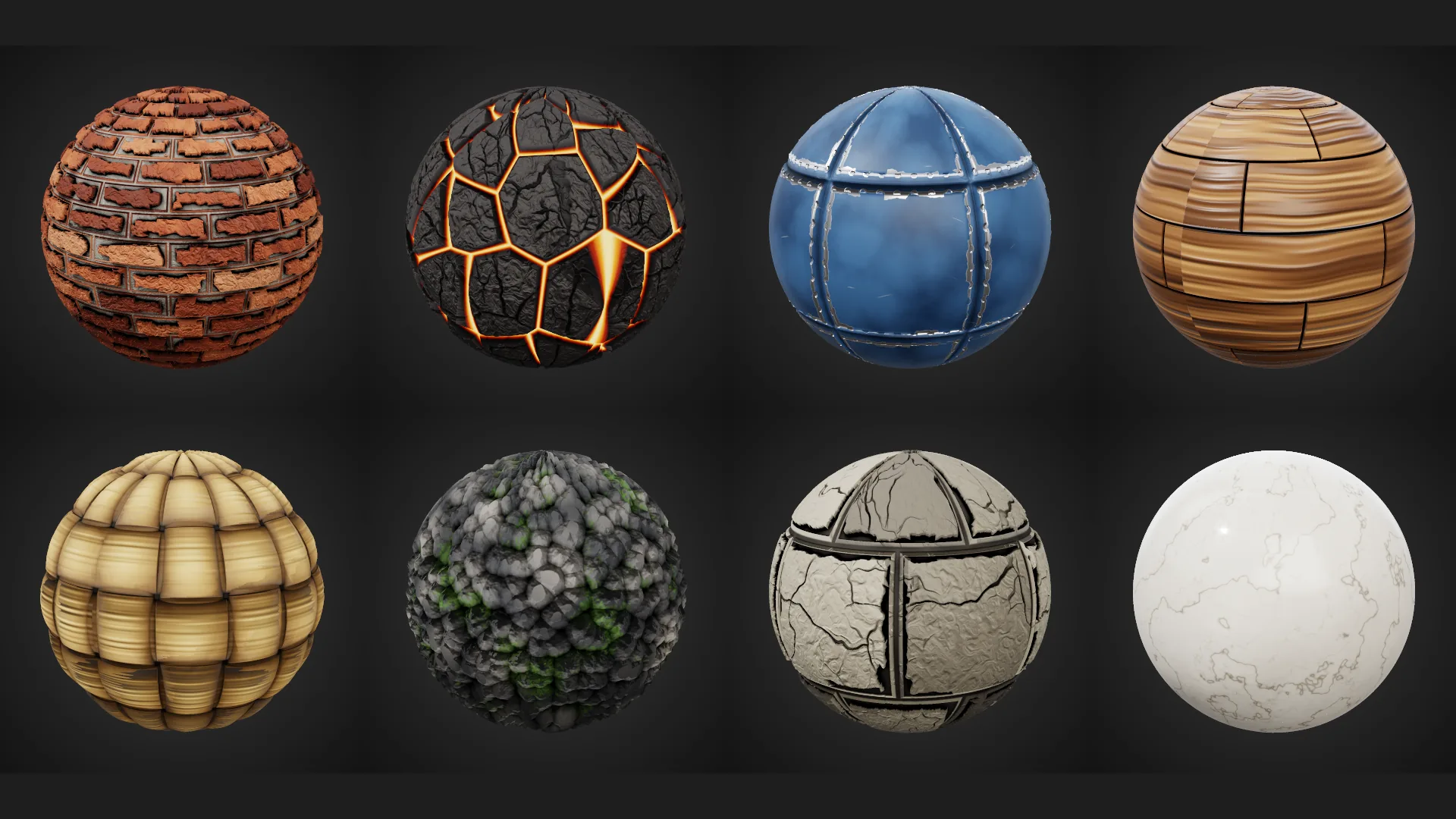
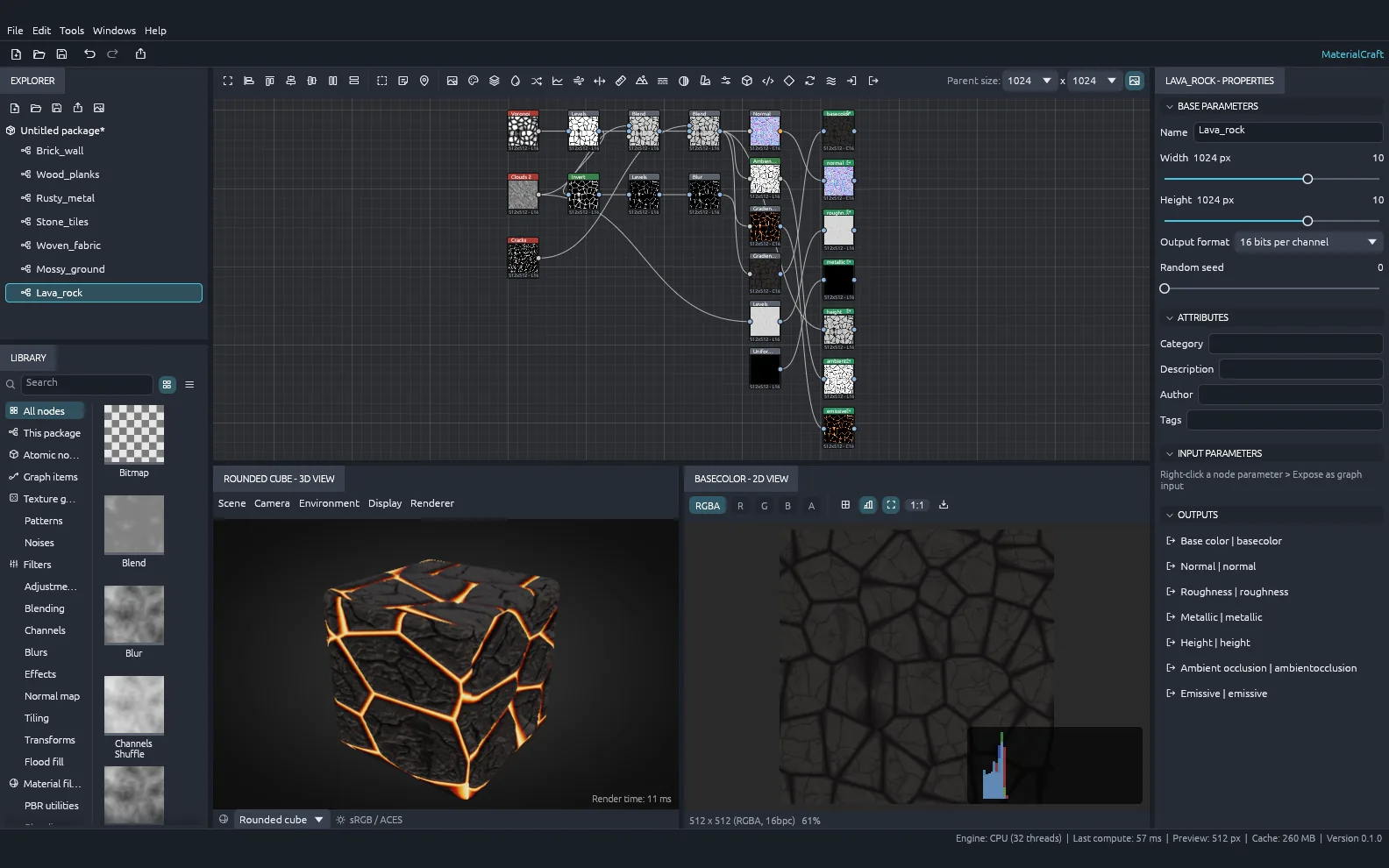
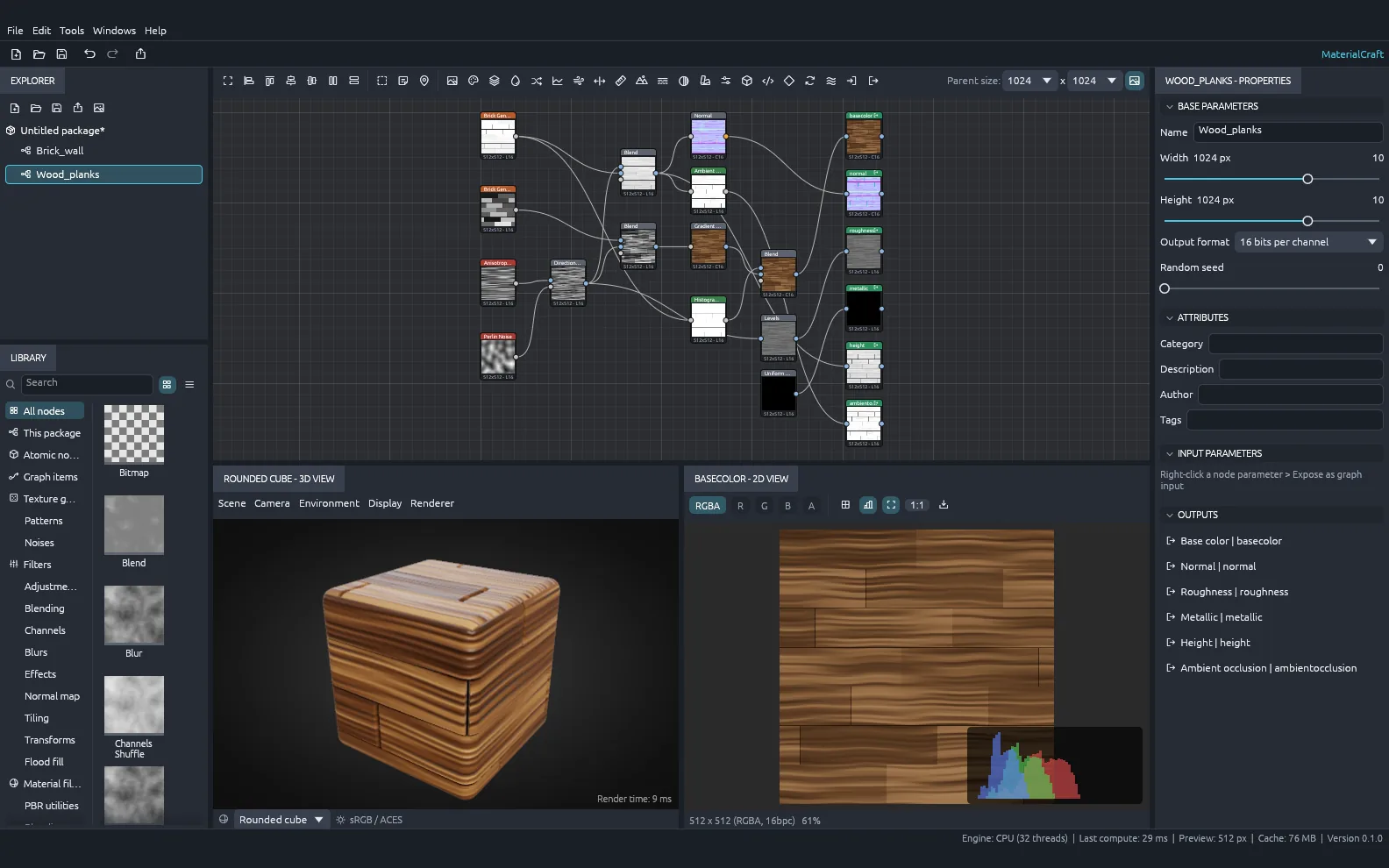
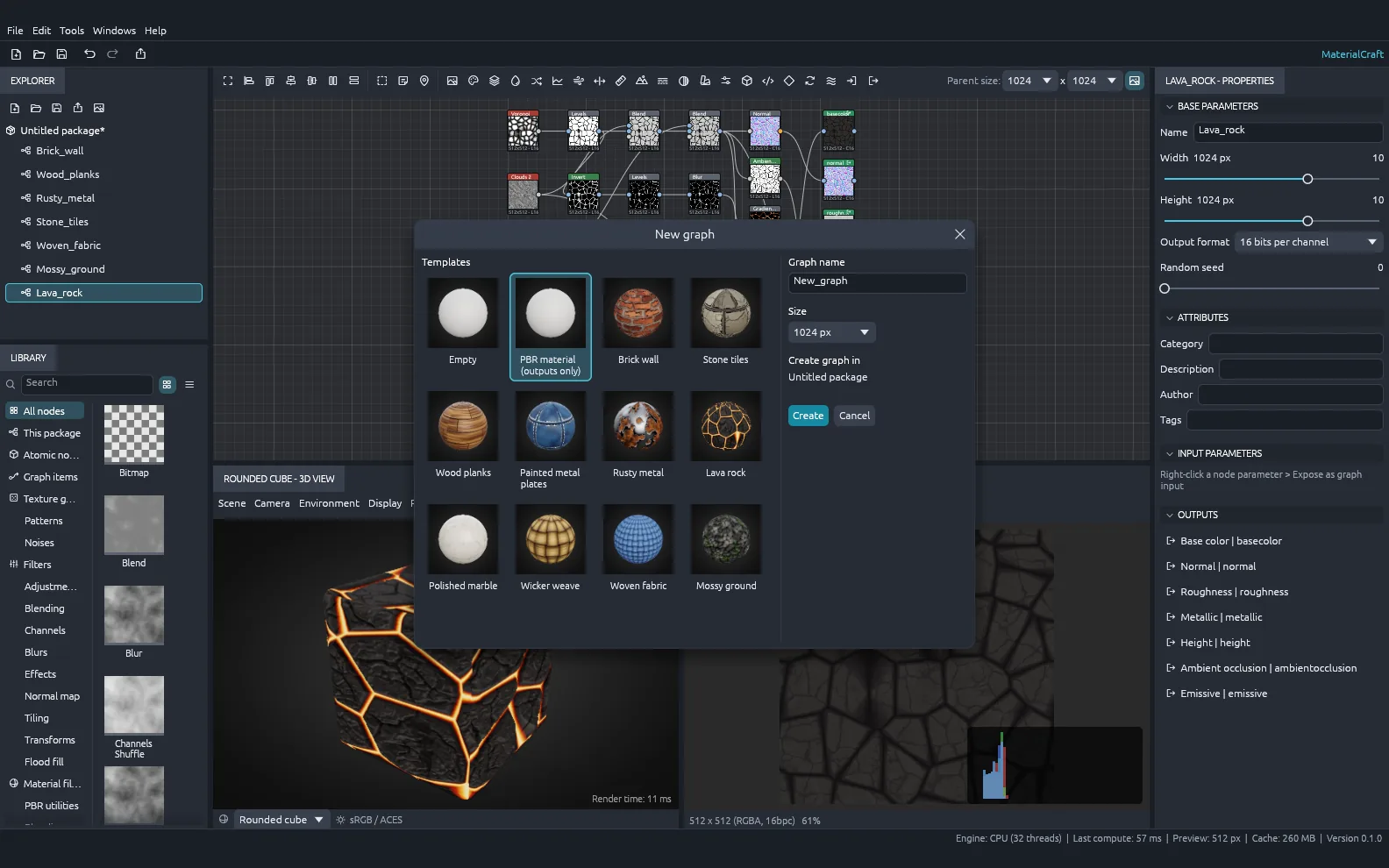
Historical MaterialCraft 0.1 screenshots supplied by the official site. The node library changed in 0.2; these examples do not establish which samples and nodes ship in 0.3.
MaterialCraft official icon · Press-kit source (opens in a new tab / 新窗口打开)
What can you use MaterialCraft for?
- Create materials for a game or 3D asset.
- Build a reusable material and adjust it in TextureCraft.
MaterialCraft is in development. Version 0.2 rebuilt its node library; the official 0.1 screenshots show historical samples. External .sbs files may contain unavailable nodes and are not guaranteed to render identically.
Read the license (opens in a new tab / 新窗口打开)Download and install MaterialCraft
Install and update with ArtCraft Launcher, or open the official product page and find “Option 2 · Standalone” in the download section for standalone installers.
- Follow the link below to the official MaterialCraft download page. To manage several apps in one place, install Launcher first.
- Choose the installer for your operating system and follow the instructions on the page. Check the system requirements on the official page and the file format limitations here before downloading.
- Make a copy of your files and try a small project. You could start with this: Create materials for a game or 3D asset.
The Web version here is a WebAssembly build that you need to host yourself. The official product page provides the download package.
Information as of: 2026-11-10
- getartcraft.com/apps/materialcraft (opens in a new tab / 新窗口打开)
- getartcraft.com/apps (opens in a new tab / 新窗口打开)
- craft.wiki/apps/materialcraft/overview/ (opens in a new tab / 新窗口打开)
- github.com/storytold/materialcraft/releases/tag/v0.3.0 (opens in a new tab / 新窗口打开)
- github.com/storytold/materialcraft (opens in a new tab / 新窗口打开)
- github.com/storytold/materialcraft/blob/main/LICENSE-MIT (opens in a new tab / 新窗口打开)