ArtCraft TextureCraft: Features & Downloads
ArtCraft TextureCraft: Paint PBR textures on 3D models with layers and masks, bake mesh maps and export materials. Find official downloads, examples and development limitations.
TextureCraft is part of the Crafting Apps family developed by the ArtCraft team. Paint layered PBR materials on 3D models, bake mesh maps and export textures.
Information as of 2026-11-02
Based on ArtCraft documentation, not hands-on testing.
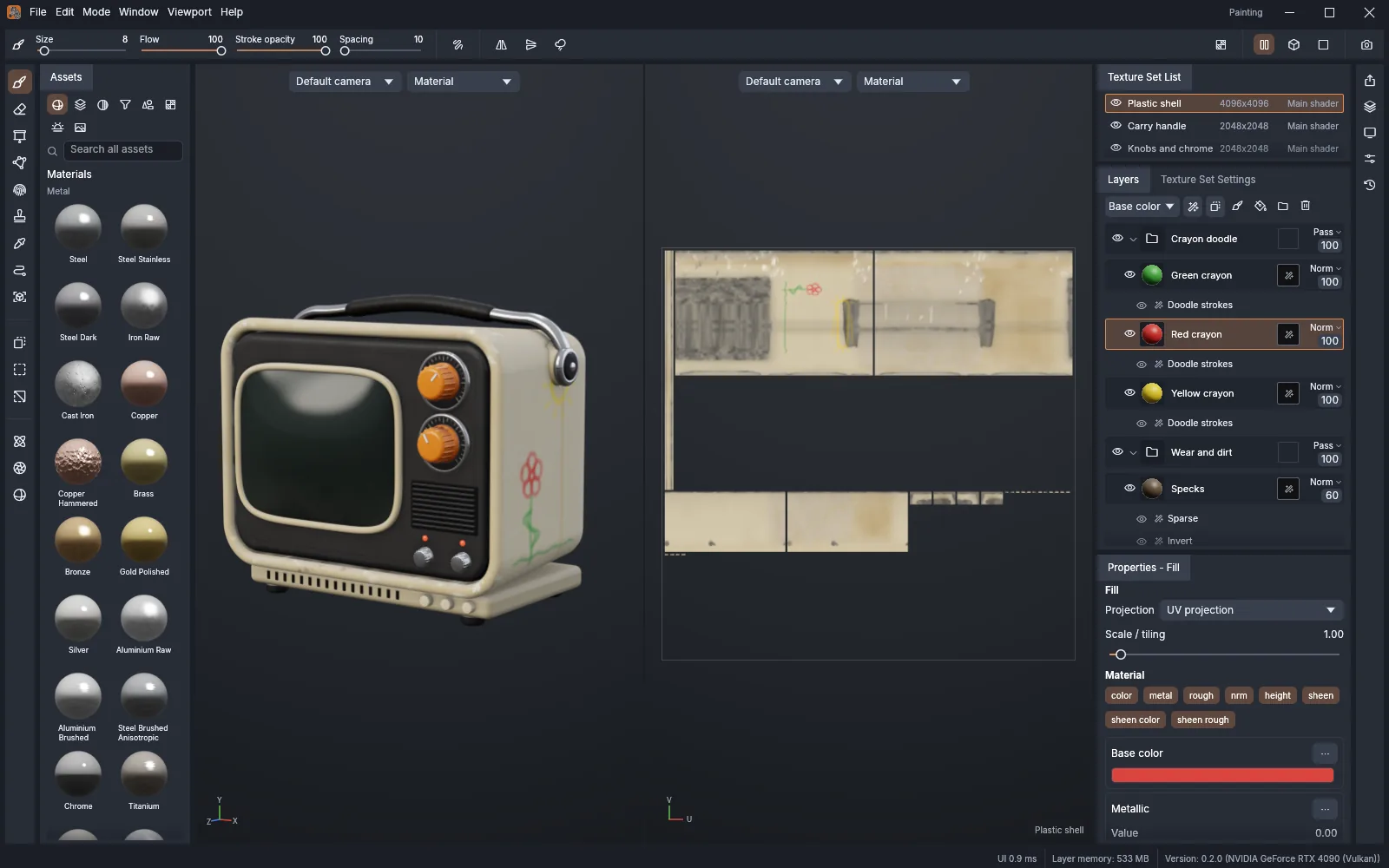
Paint on the model
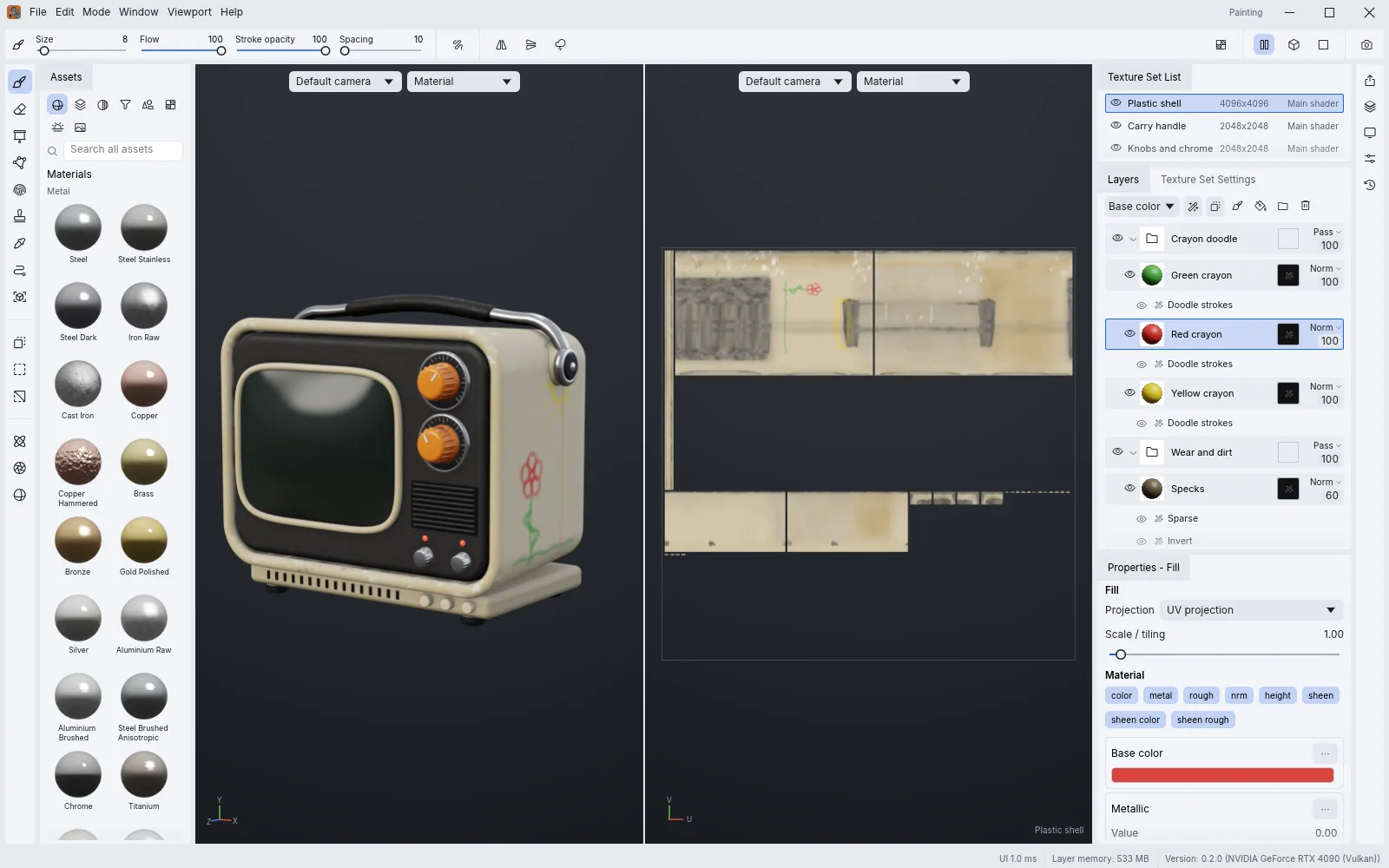
Paint PBR channels on a 3D surface and inspect its 2D UV view. Brush strokes can cross UV seams while camera visibility keeps paint off the back of the model.
Layers, masks and materials
Keep material changes in layers with per-channel blending, masks and generators. Smart materials and geometry masks target chosen mesh parts.
Bake and render
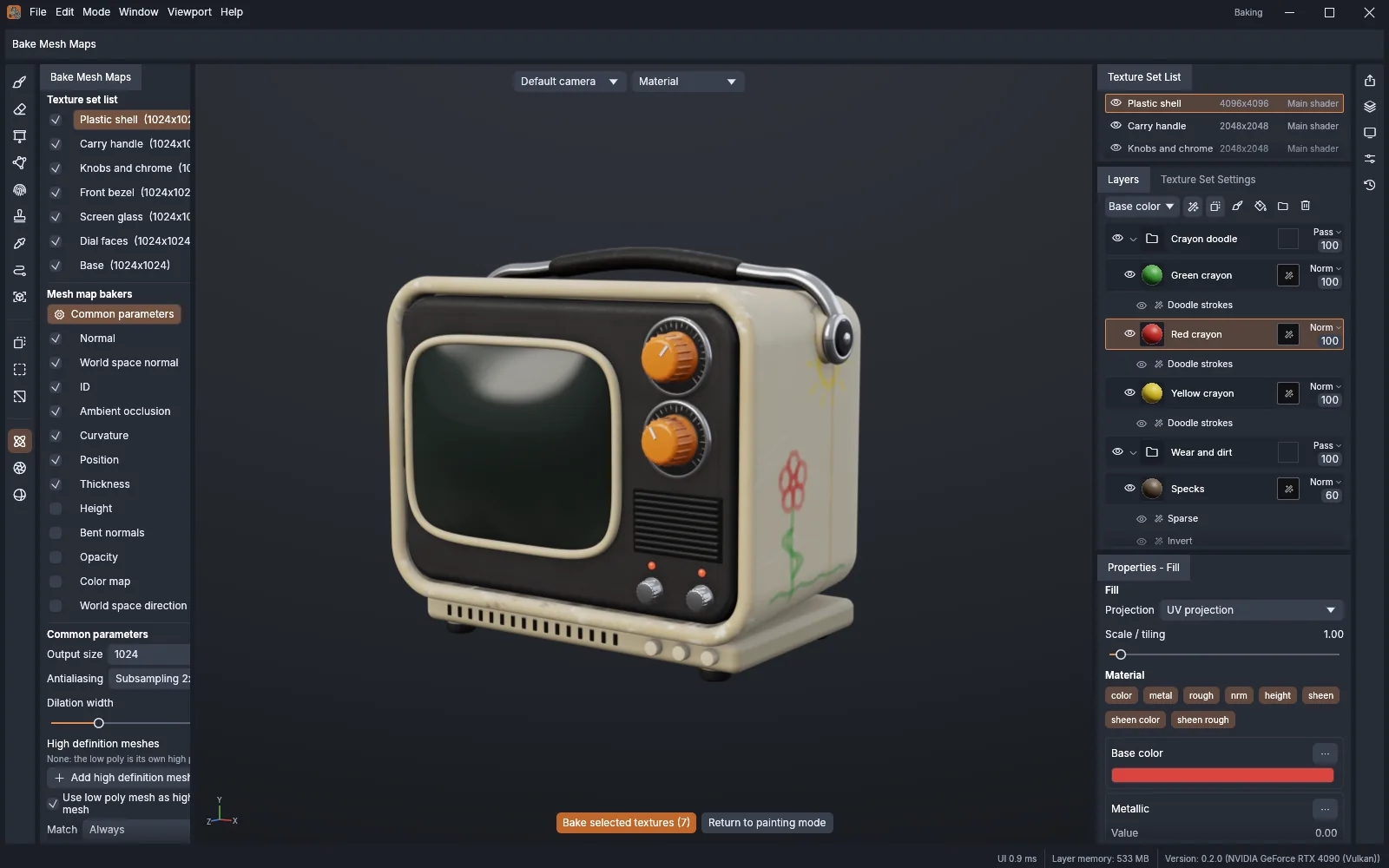
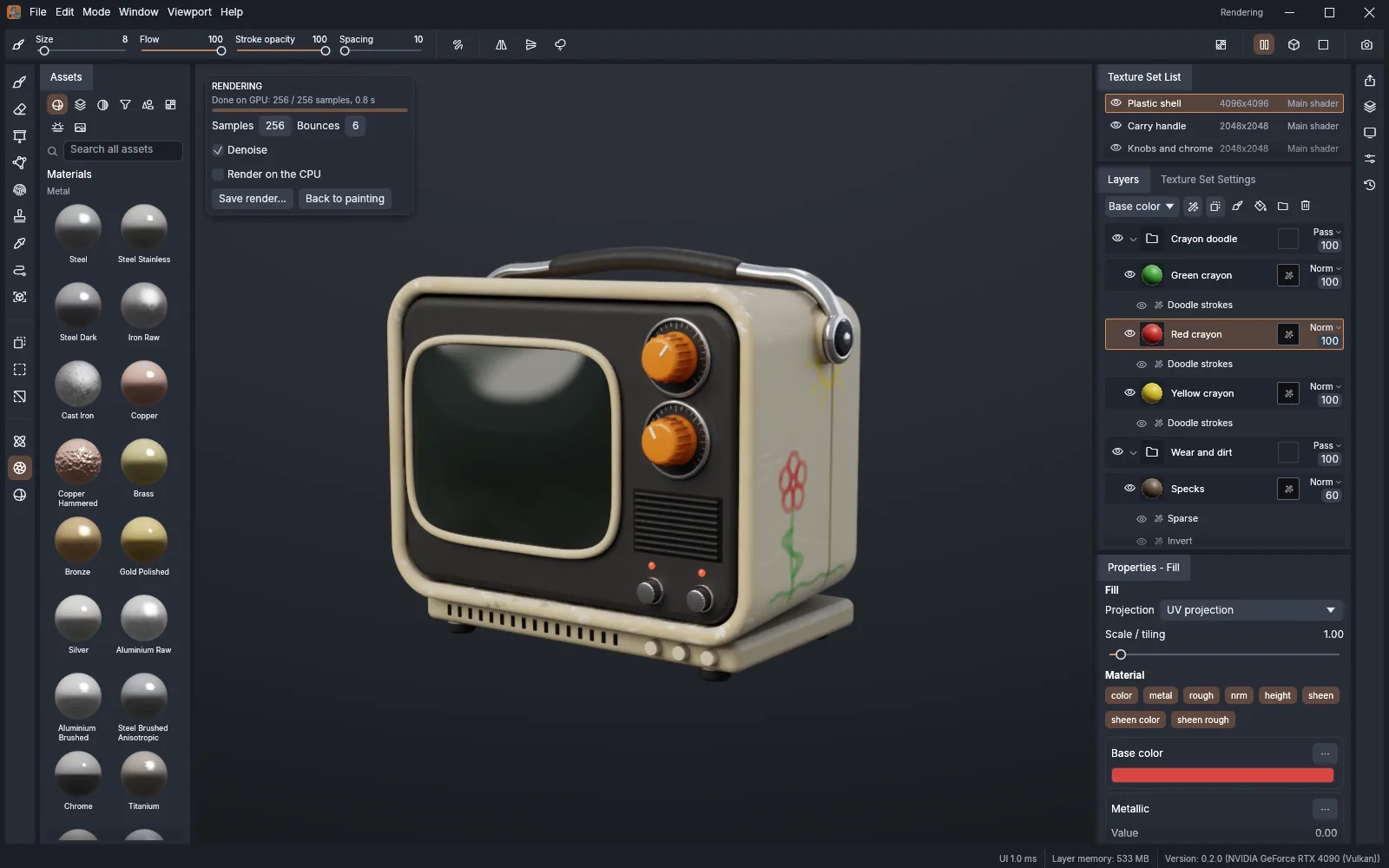
Bake mesh maps such as ambient occlusion, curvature and thickness on the GPU, then inspect a path-traced preview. These are documented capabilities, not Wiki performance benchmarks.
Formats and output
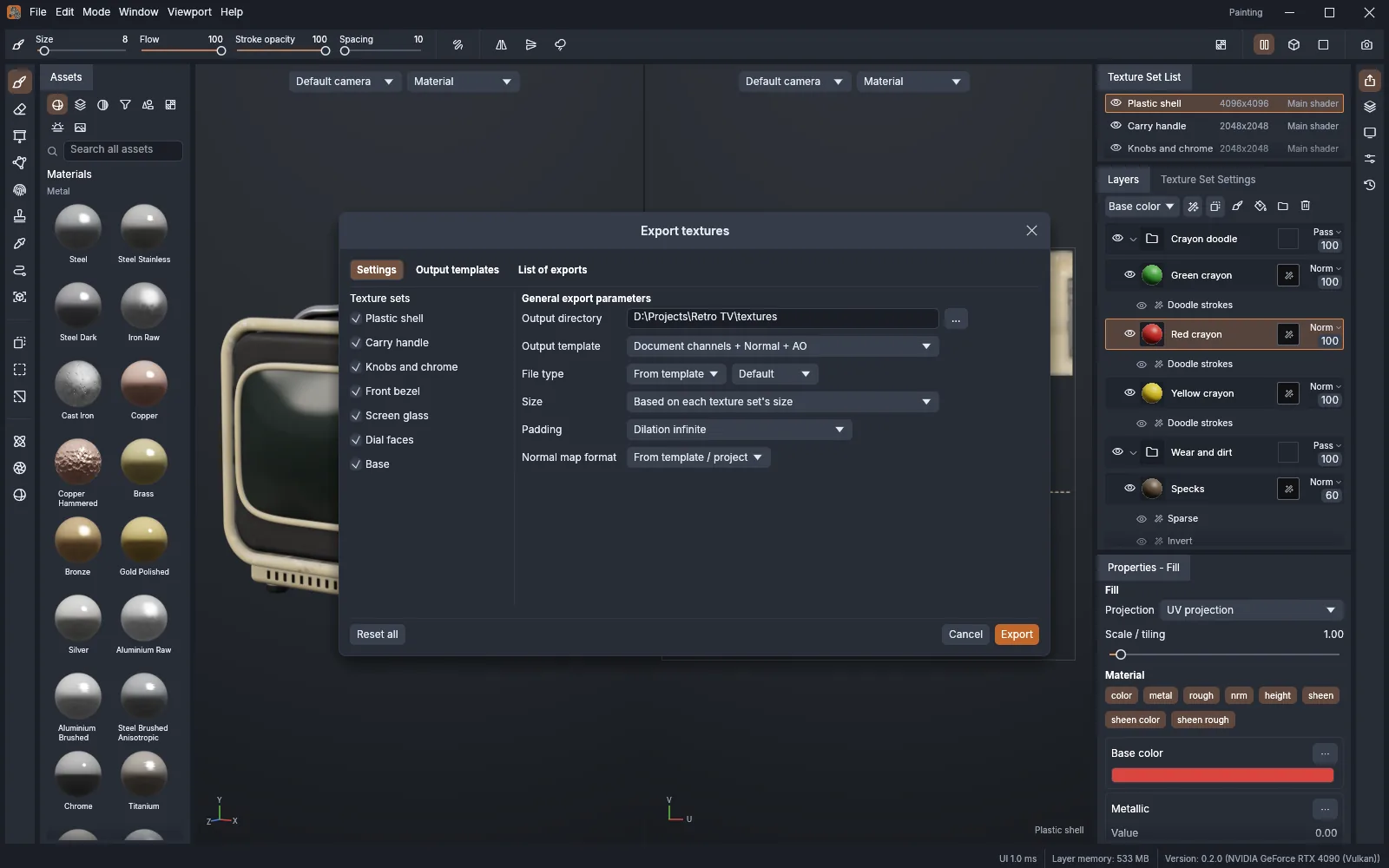
The official page lists glTF, FBX, COLLADA, USD, Alembic, OBJ, PLY and STL input; texture output includes PNG, JPEG, TGA, TIFF and EXR, UDIM tiles and engine presets. Version 0.2.0 adds Godot 4 ORM and OpenPBR presets.
Automation interfaces
CLI, JSON control and MCP expose painting, baking and exporting commands to agents. Configure those interfaces separately from installing the app.
What changed in 0.2.0
Selected changes from the official release notes, checked on November 2, 2026. These are documentation summaries, not Wiki application tests.
- Adds geometry masks, radial brush symmetry, more smart masks and materials, plus Godot 4 ORM and OpenPBR export presets.
- Adds displacement in path tracing and viewport shadows, more filters, clear-coat USD export and camera import from FBX, COLLADA and USD.
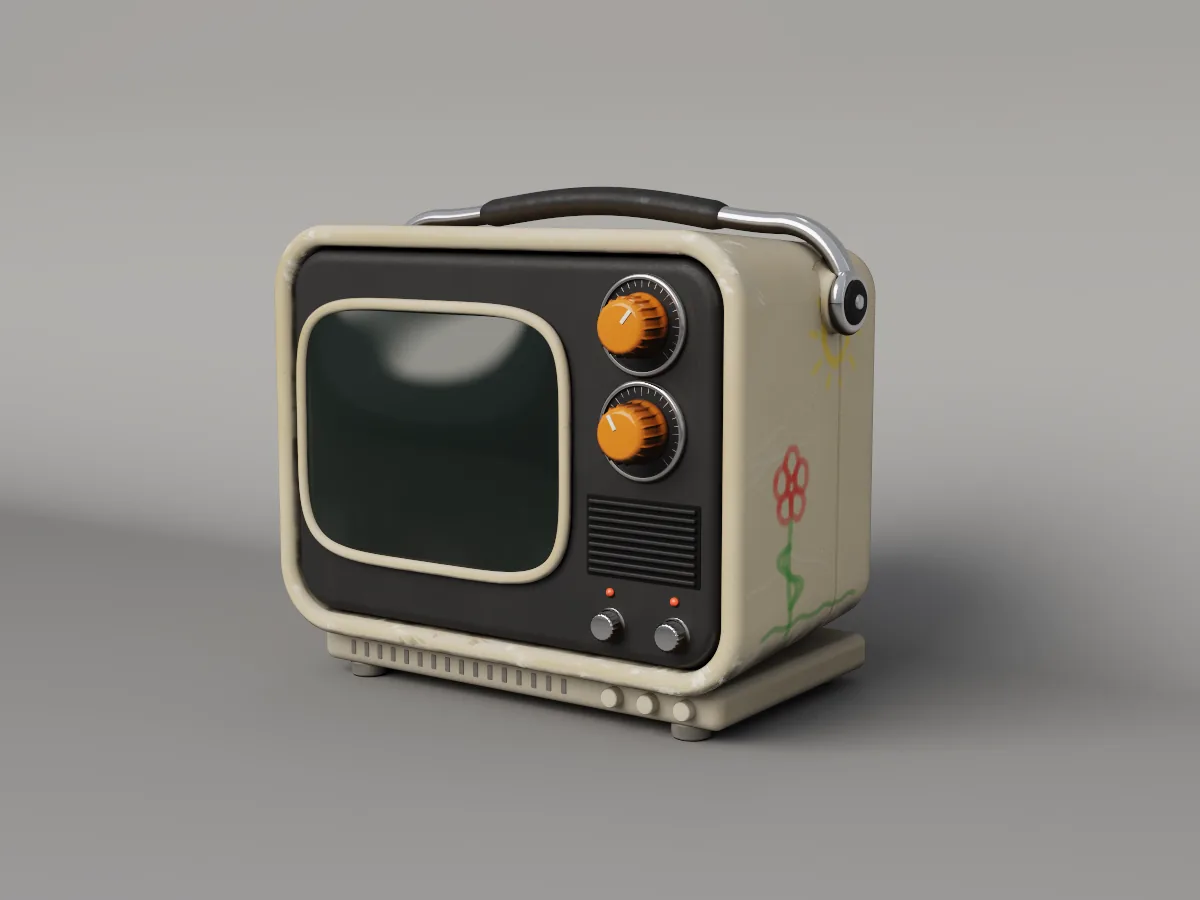
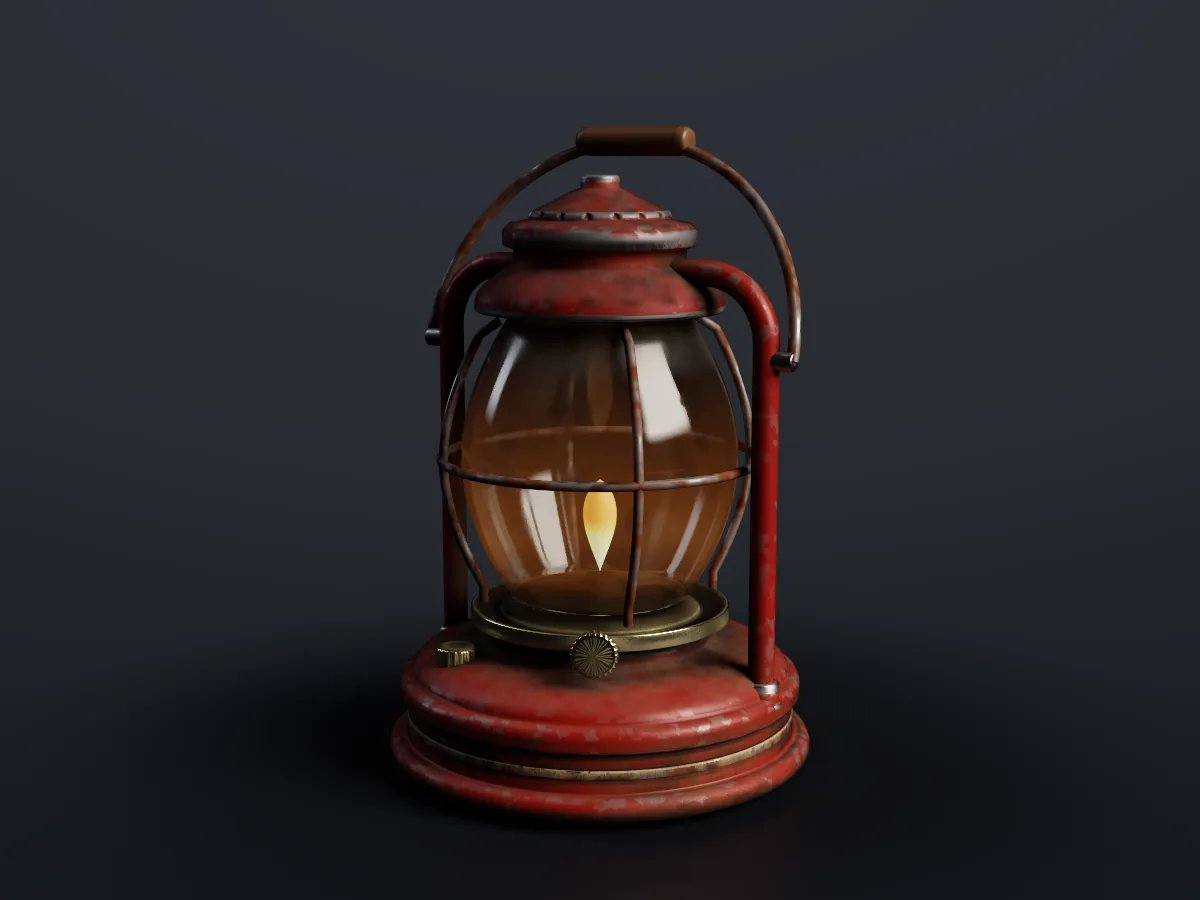
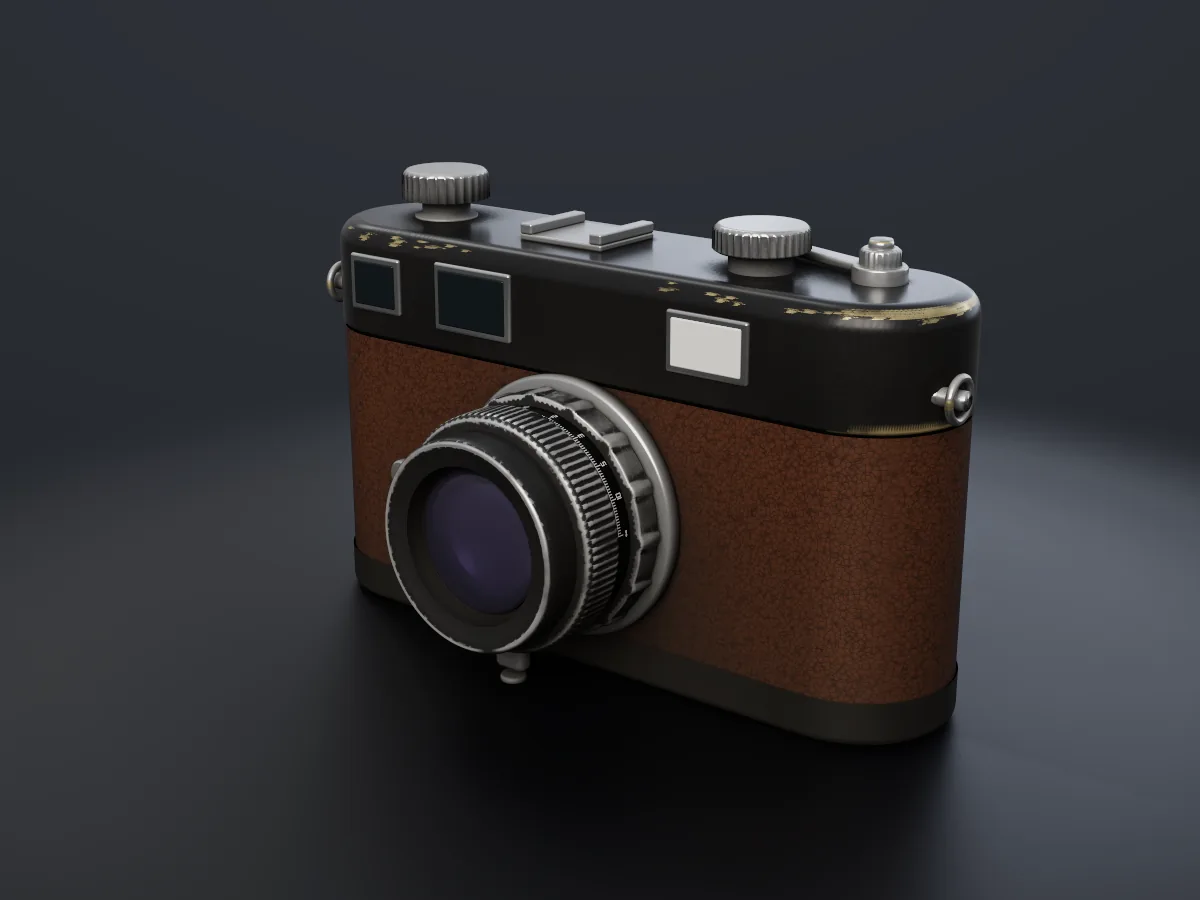
A closer look at the tools
What can you use TextureCraft for?
- Paint a worn prop for a game scene.
- Bake mesh maps and export a material set for an engine.
TextureCraft is in development. Check imported meshes, UVs, texture channels and target-engine output on a small project before transferring production assets. Web means a build you host yourself.
Read the license (opens in a new tab / 新窗口打开)Download and install TextureCraft
Install and update with ArtCraft Launcher, or open the official product page and find “Option 2 · Standalone” in the download section for standalone installers.
- Follow the link below to the official TextureCraft download page. To manage several apps in one place, install Launcher first.
- Choose the installer for your operating system and follow the instructions on the page. Check the system requirements on the official page and the file format limitations here before downloading.
- Make a copy of your files and try a small project. You could start with this: Paint a worn prop for a game scene.
The Web version here is a WebAssembly build that you need to host yourself. The official product page provides the download package.
Information as of: 2026-11-02
- getartcraft.com/apps/texturecraft (opens in a new tab / 新窗口打开)
- getartcraft.com/apps (opens in a new tab / 新窗口打开)
- github.com/storytold/texturecraft/releases/tag/v0.2.0 (opens in a new tab / 新窗口打开)
- github.com/storytold/texturecraft (opens in a new tab / 新窗口打开)
- github.com/storytold/texturecraft/blob/main/LICENSE-MIT (opens in a new tab / 新窗口打开)